About Scenes
Overview
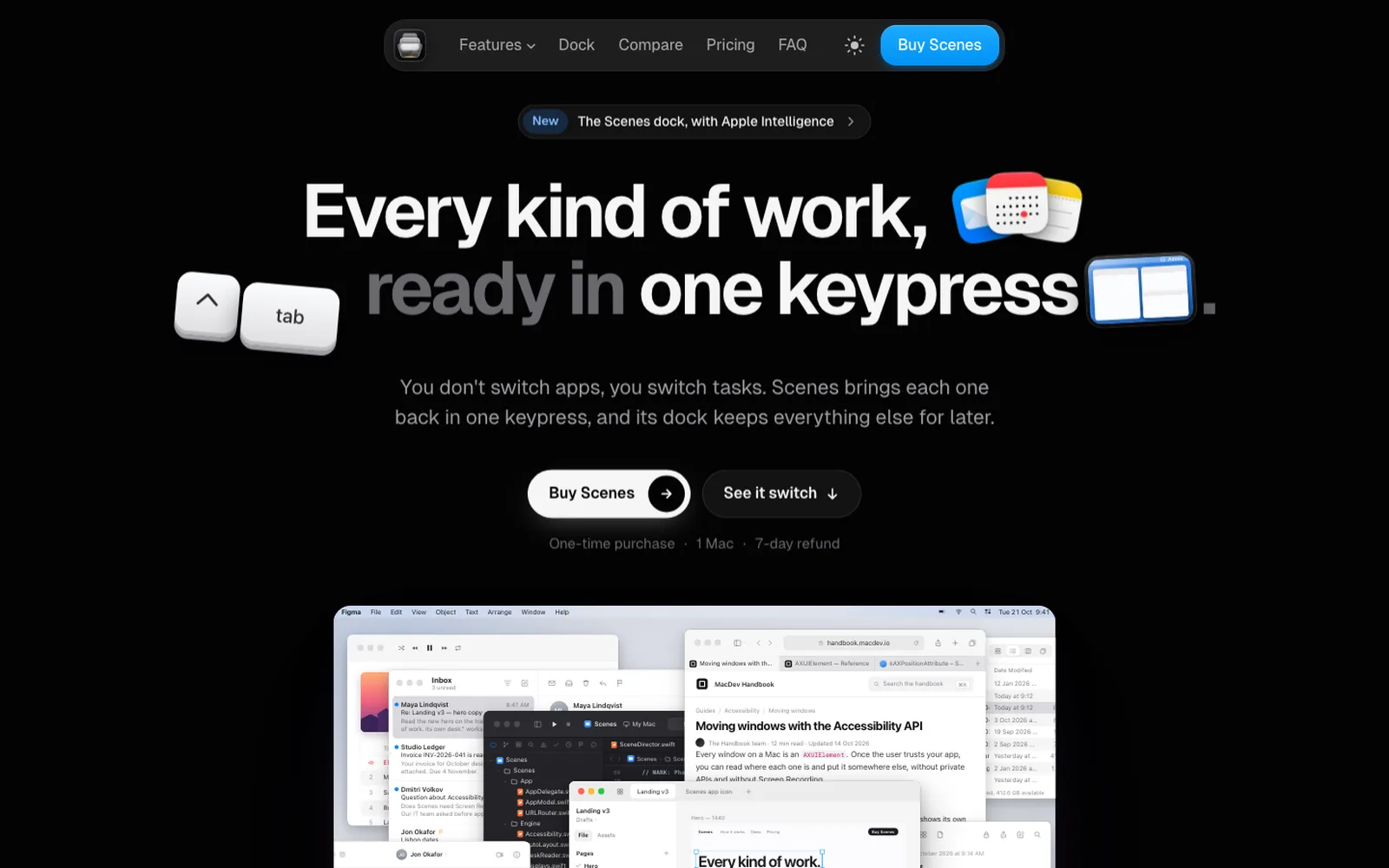
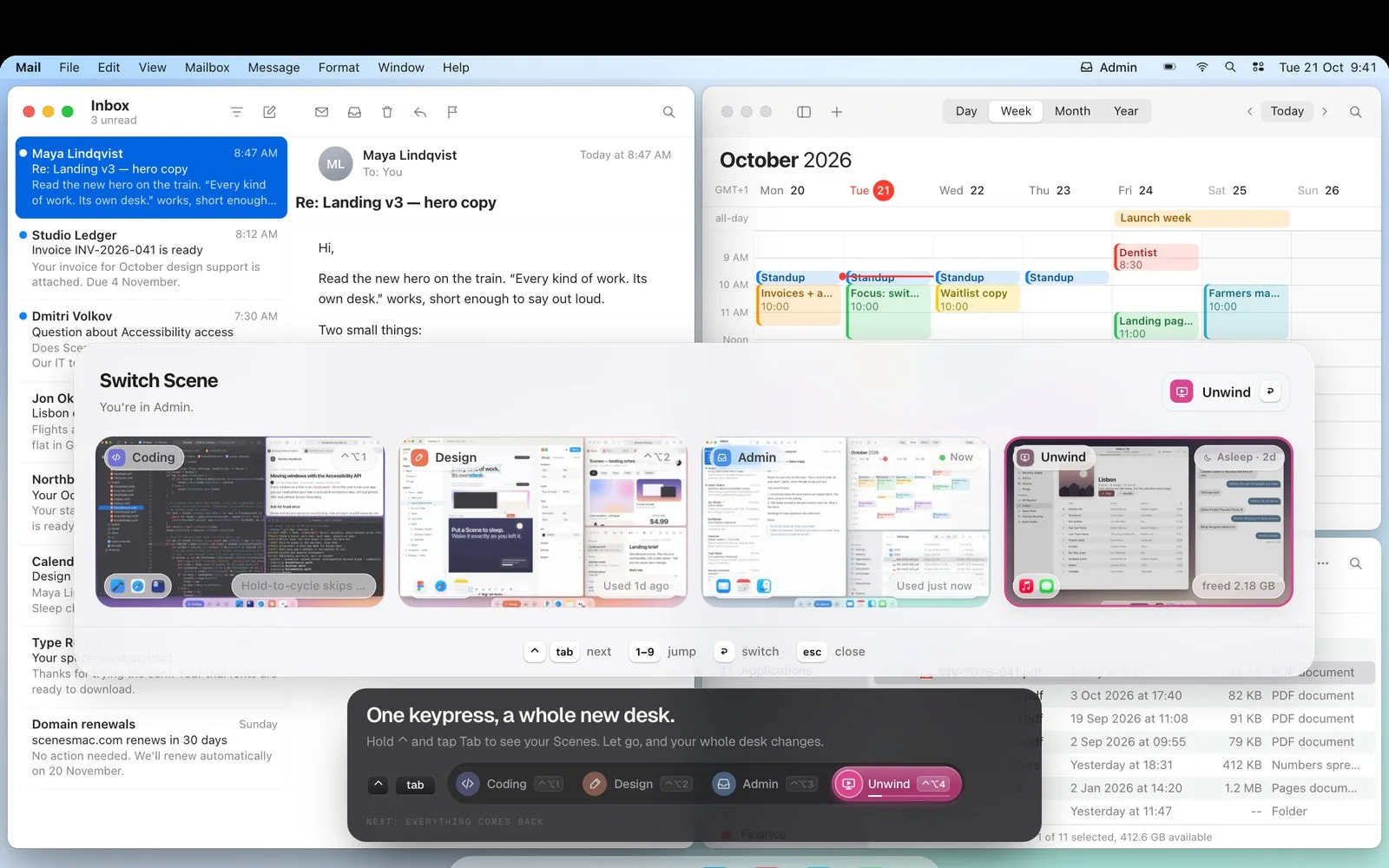
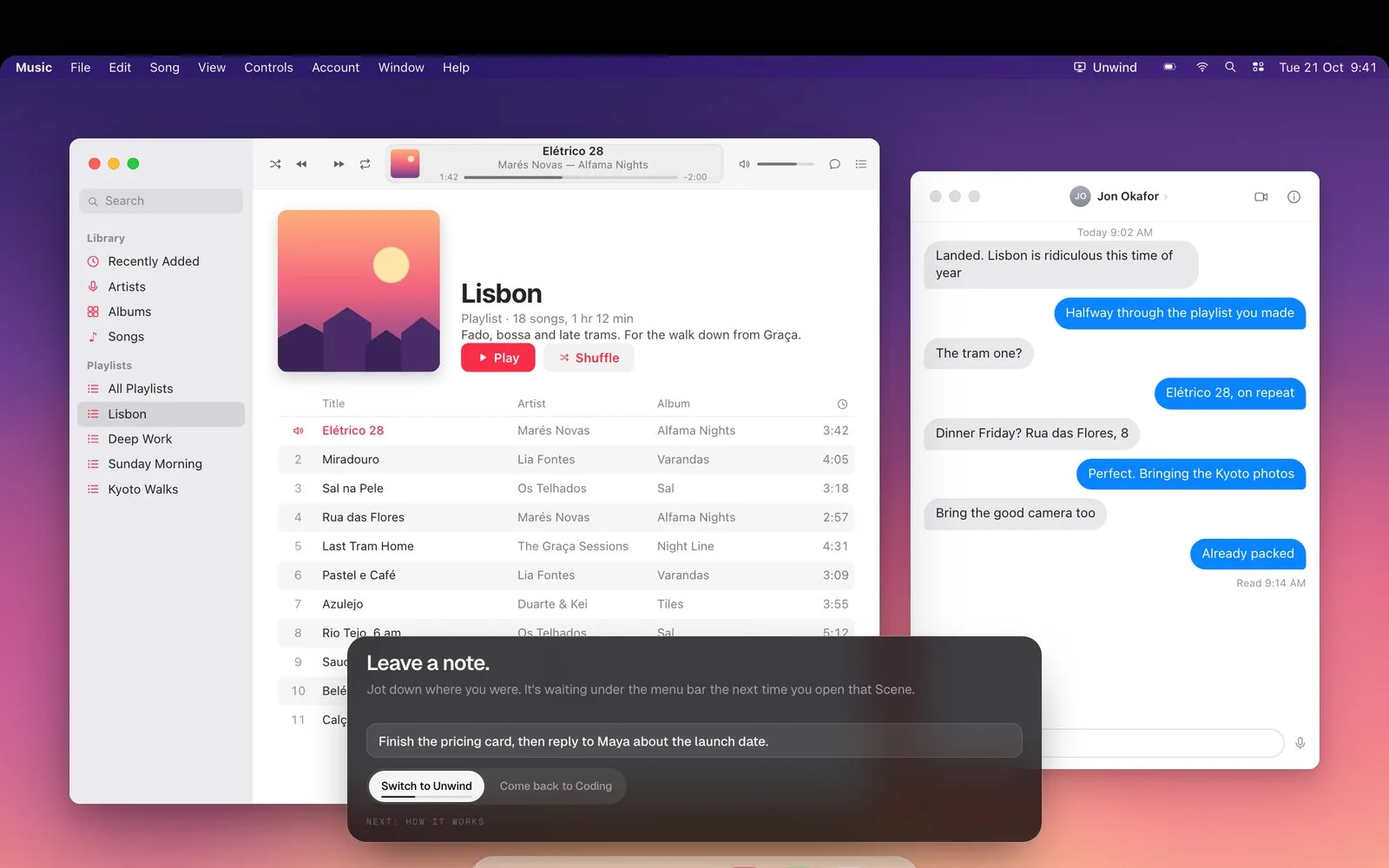
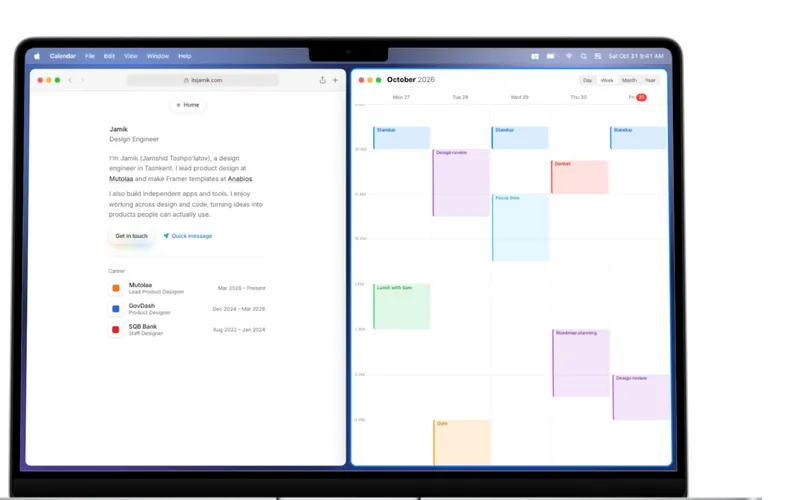
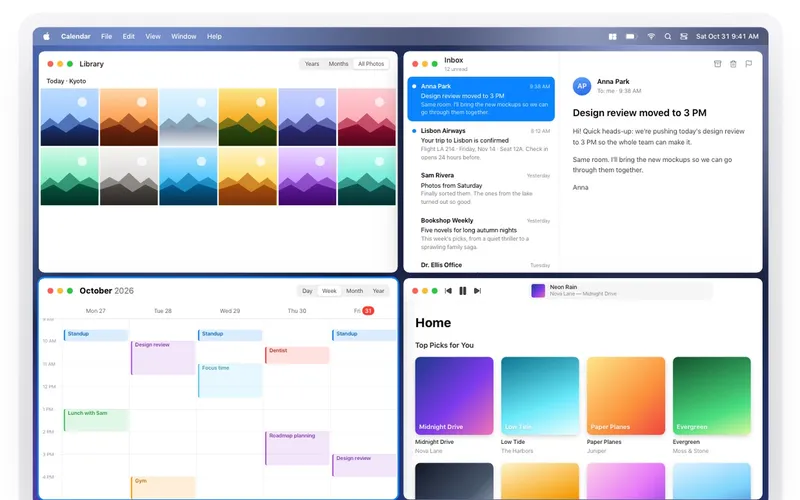
Scenes saves the apps, windows, tabs and wallpaper for each kind of work on your Mac and switches your whole desk between them in one keypress. Instead of switching apps you switch tasks, and its dock keeps everything else for later. It is built for every kind of work, not only for placing windows.
Price and availability
Scenes is a one-time purchase ($9.99 once (launch price)), with no subscription. You can get it from the developer's website. Dock Gallery links to the maker's page and never hosts or downloads the app itself, so you always get the official version.
Compatibility
Scenes requires macOS 15.0 or later.
- Requires macOS 15.0 or later
- Available from the developer's website
- One-time price, no subscription
Scenes compared with similar apps
| App | What it does | Price | Native | macOS |
|---|---|---|---|---|
 Scenes | One keypress switches your whole Mac between kinds of work | $9.99 once (launch price) | Yes | 15.0+ |
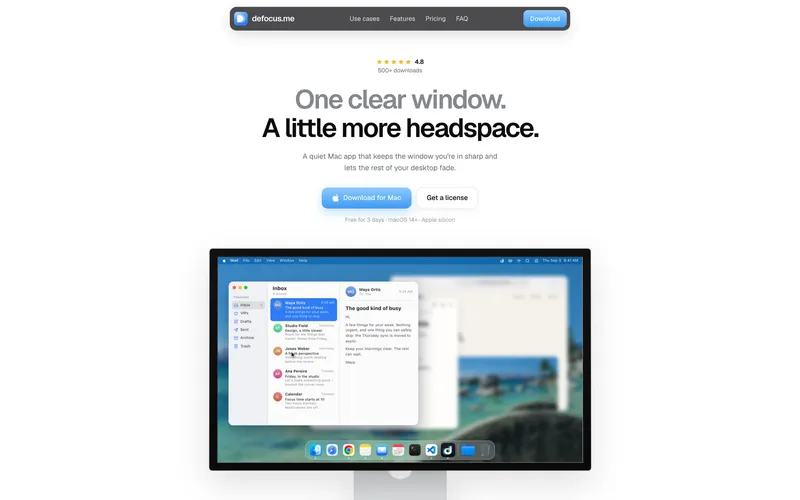
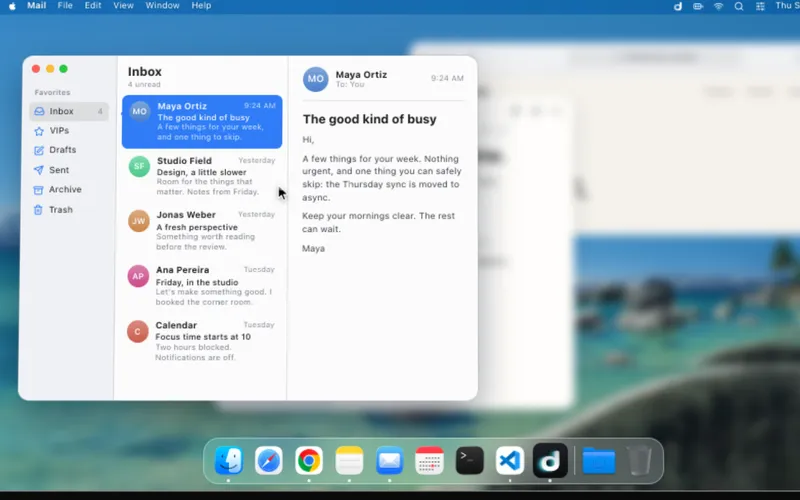
| Keep the window you are in sharp and fade the rest | 3-day trial, from $4.99 once | No | 14.0+ | |
| Automatic window tiling: open a window and it gets a place | $13.99 once (launch price) | Yes | 15.0+ | |
| Every open app, window and tab in one place, at the edge of your screen | $12.99 once | Yes | 13.0+ | |
| Noise-cancelling for your screen | 7-day trial, then pay once | Yes | 14.6+ |


Questions about Scenes
What is Scenes?
Scenes saves the apps, windows, tabs and wallpaper for each kind of work on your Mac and switches your whole desk between them in one keypress. Instead of switching apps you switch tasks, and its dock keeps everything else for later.
Is Scenes free?
Scenes is a one-time purchase ($9.99 once (launch price)), with no subscription.
Which macOS does Scenes need?
Scenes needs macOS 15.0 or later.
Who makes Scenes?
Scenes is made by Rashem Pandit.
Where can I get Scenes?
You can get it from the developer's website. We link to the maker's page and never host the app.
Ask AI about Scenes





Appears in
More apps
All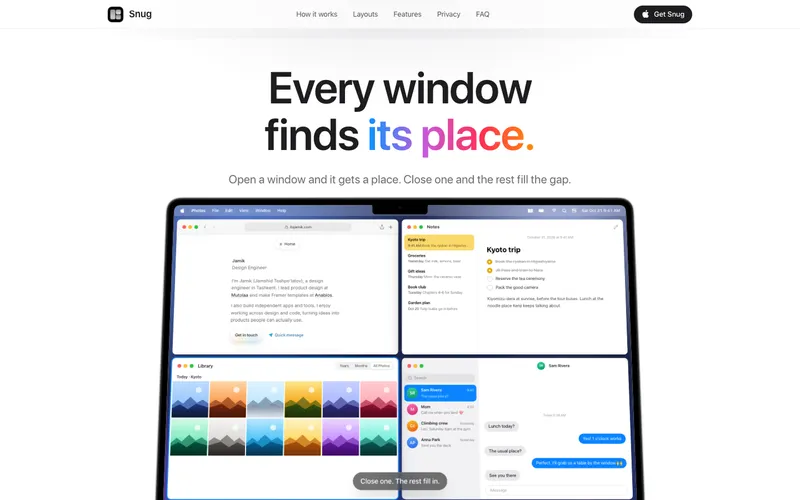



Details come from the maker's website. Icons and screenshots belong to their makers. Report an issue