About EdgeBar
Overview
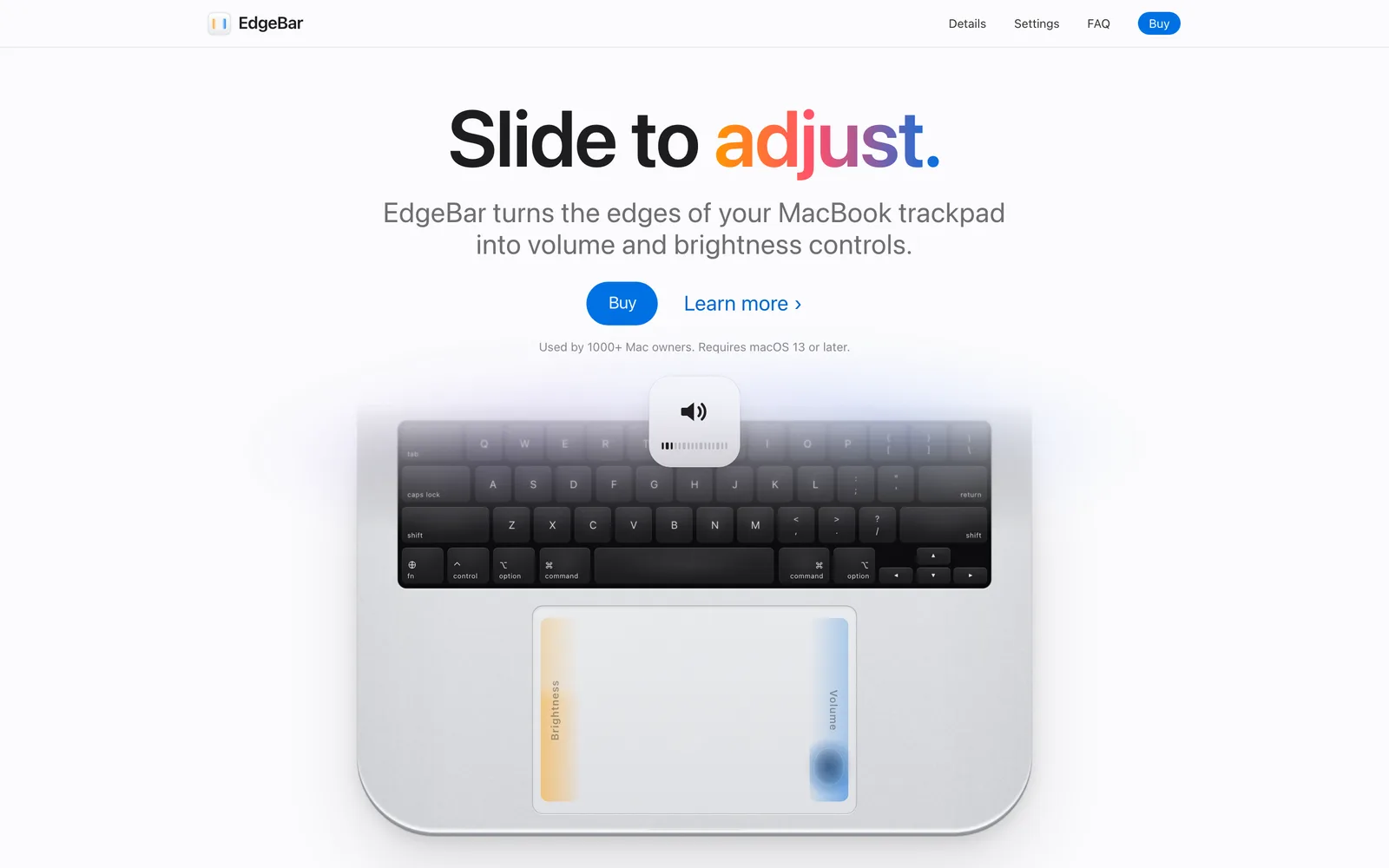
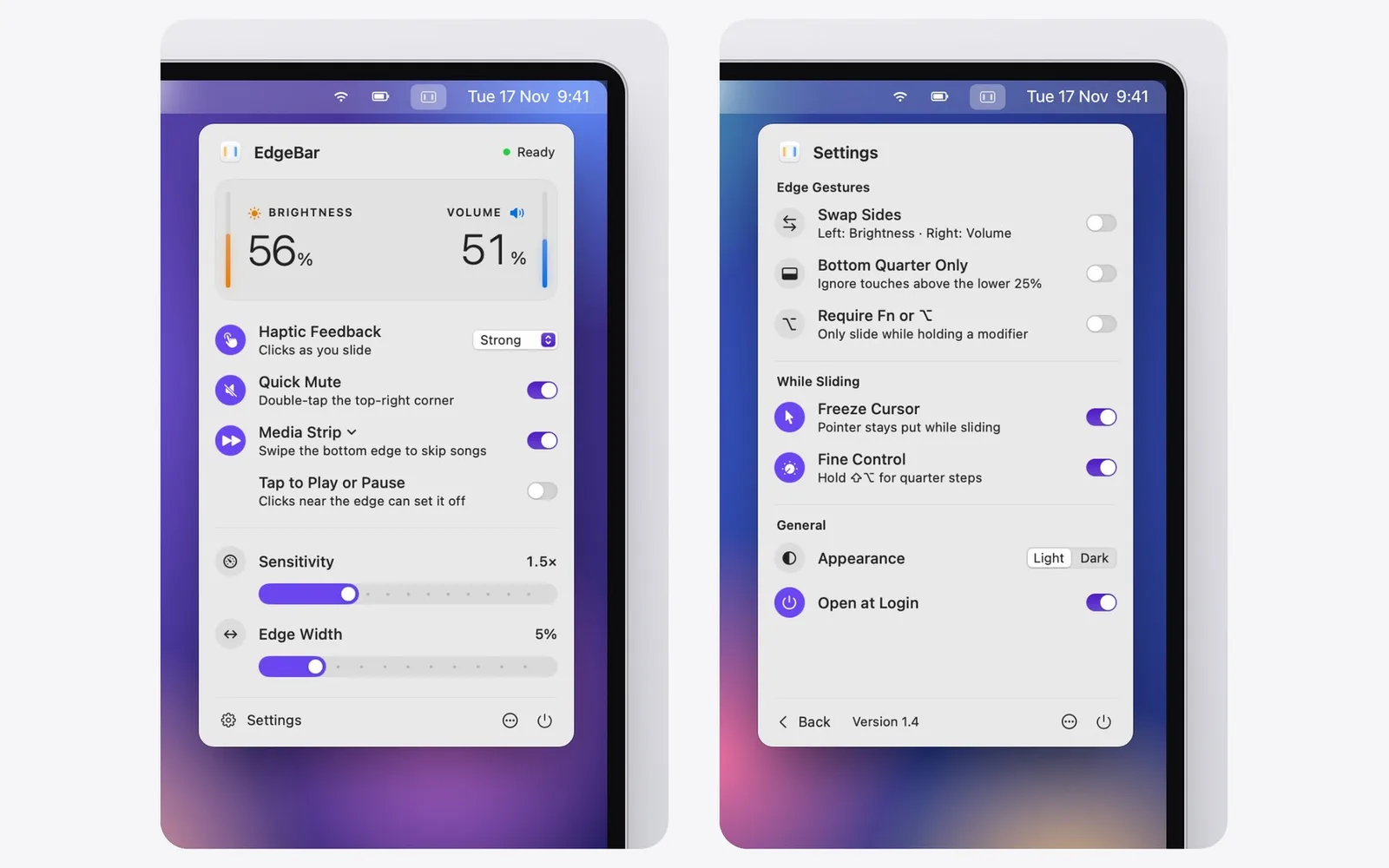
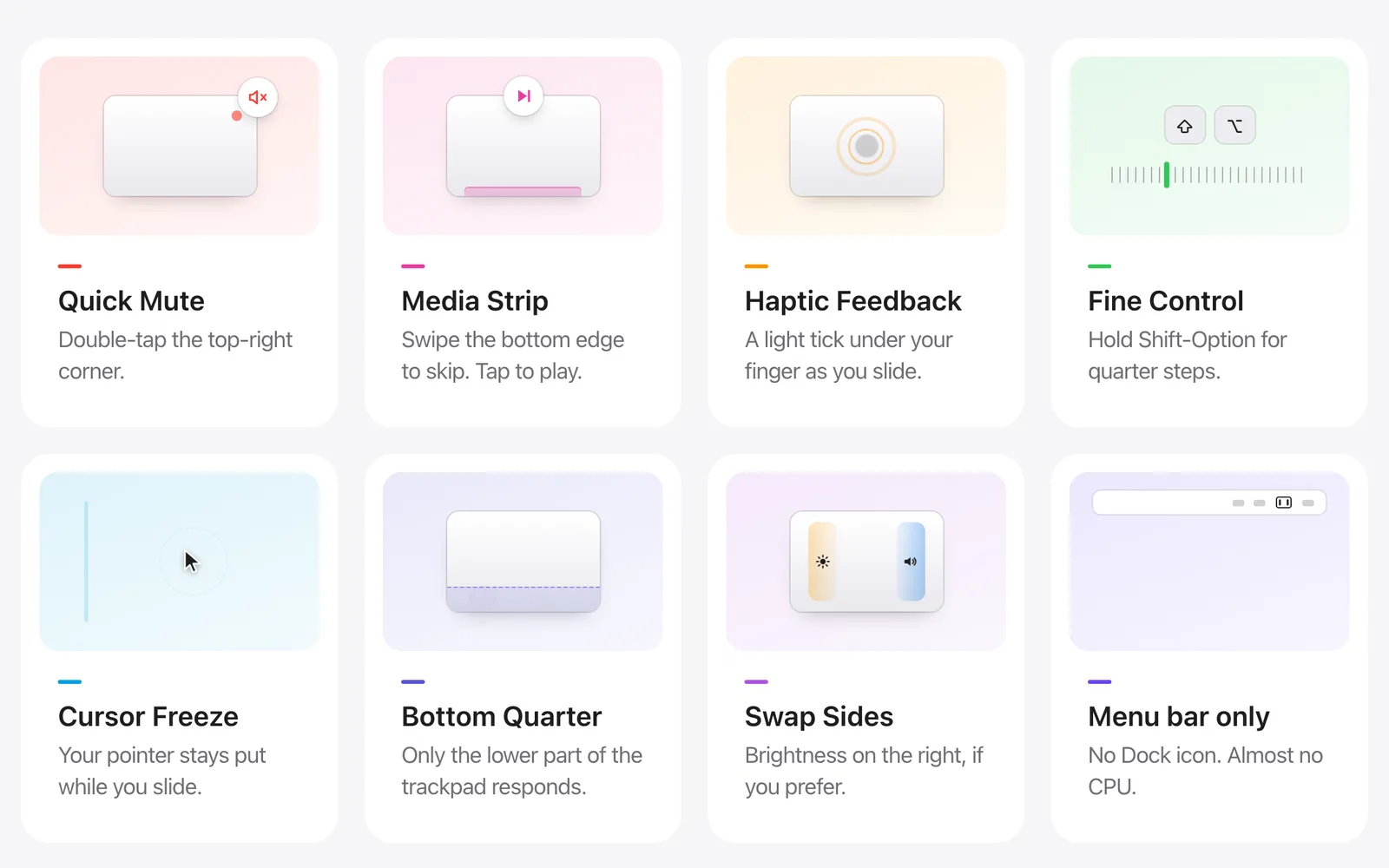
EdgeBar turns the edges of your MacBook trackpad into controls. Slide along the left edge for brightness and the right edge for volume, with the same on-screen display as the keyboard keys. A double tap in the top-right corner mutes, swiping the bottom edge skips tracks, and a corner action can run Shortcuts, open Mission Control or take a screenshot. It gives haptic feedback, works with the Magic Trackpad, and lives in the menu bar. It needs macOS 13 or later and is a one-time purchase.
Price and availability
EdgeBar is a one-time purchase (Pay once), with no subscription. You can get it from the developer's website. Dock Gallery links to the maker's page and never hosts or downloads the app itself, so you always get the official version.
Compatibility
EdgeBar requires macOS 13.0 or later.
- Requires macOS 13.0 or later
- Available from the developer's website
- One-time price, no subscription
EdgeBar compared with similar apps
EdgeBar replaces Slidr and MonitorControl. These apps in our catalogue do a similar job.
| App | What it does | Price | Native | macOS |
|---|---|---|---|---|
 EdgeBar | Volume and brightness from the edges of your trackpad | Pay once | No | 13.0+ |
| Control volume and brightness from the edges of your trackpad | Free trial, $4.99 once | Yes | 12.0+ | |
| Control external monitor brightness and volume from your Mac | From $24.99, pay once | No | 12.0+ |

Questions about EdgeBar
What is EdgeBar?
EdgeBar turns the edges of your MacBook trackpad into controls. Slide along the left edge for brightness and the right edge for volume, with the same on-screen display as the keyboard keys.
Is EdgeBar free?
EdgeBar is a one-time purchase (Pay once), with no subscription.
Which macOS does EdgeBar need?
EdgeBar needs macOS 13.0 or later.
Who makes EdgeBar?
EdgeBar is made by Shashank Bhardwaj.
Where can I get EdgeBar?
You can get it from the developer's website. We link to the maker's page and never host the app.
Ask AI about EdgeBar





Appears in
More apps
All


Details come from the maker's website. Icons and screenshots belong to their makers. Report an issue