About Notchy
Overview
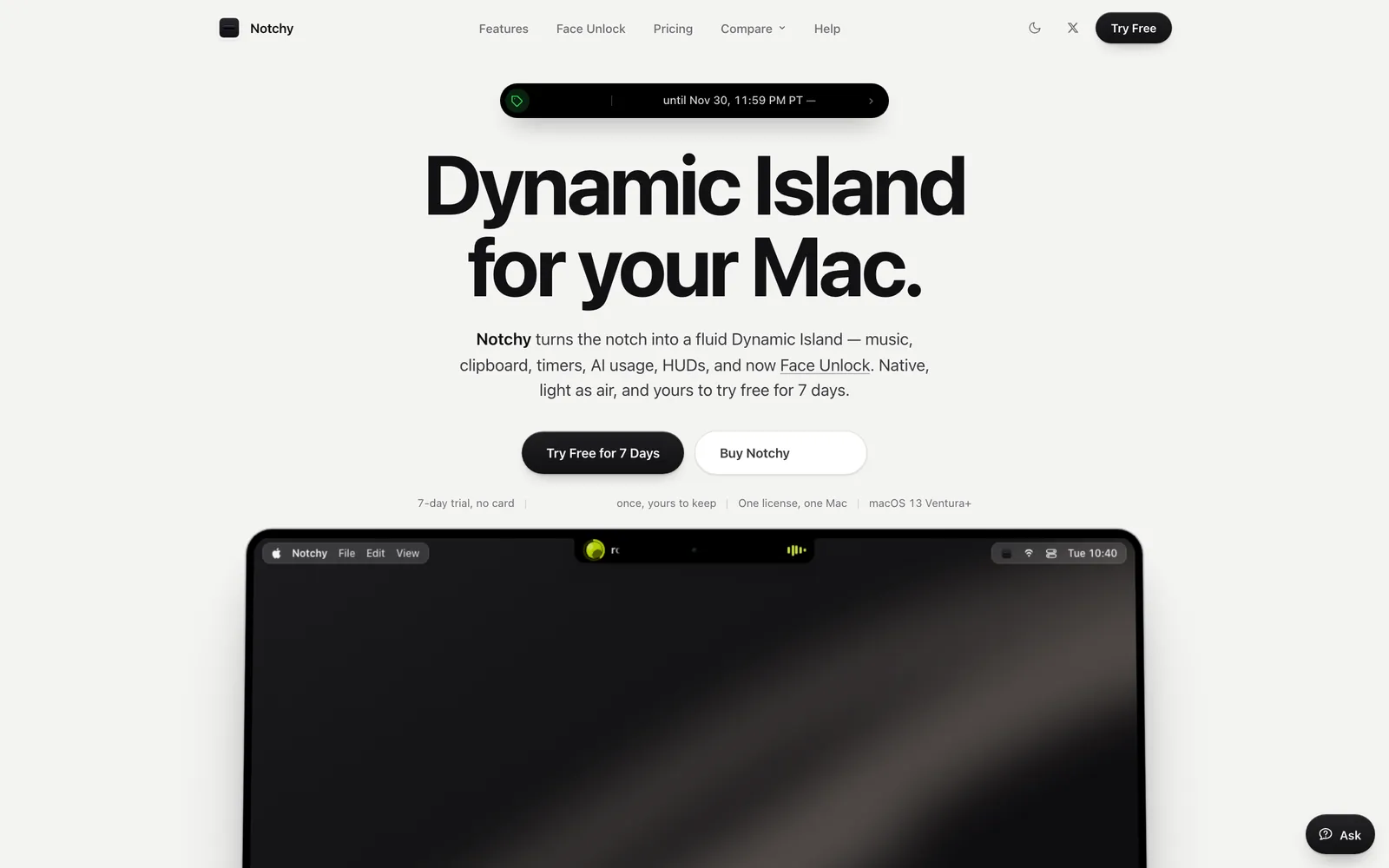
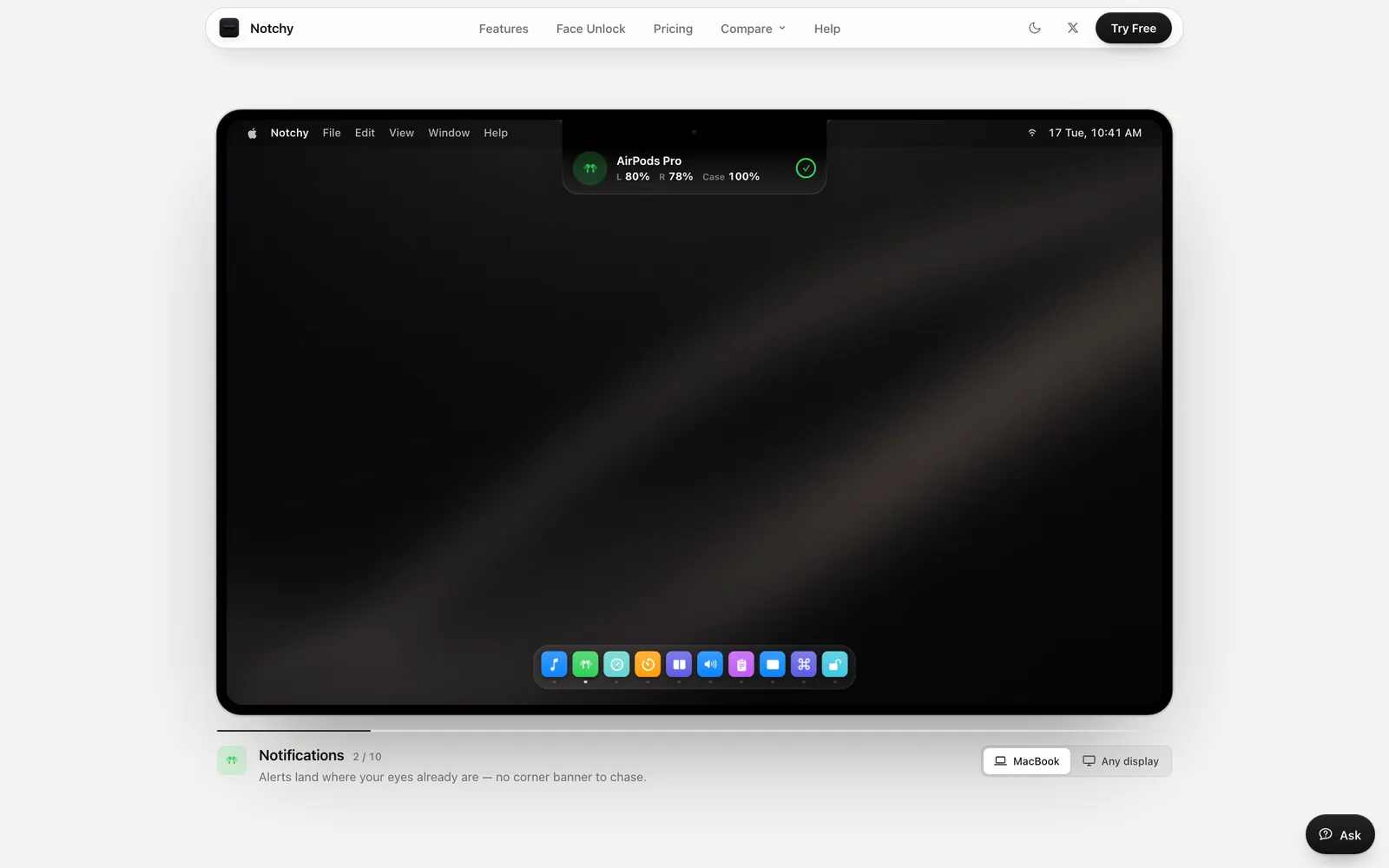
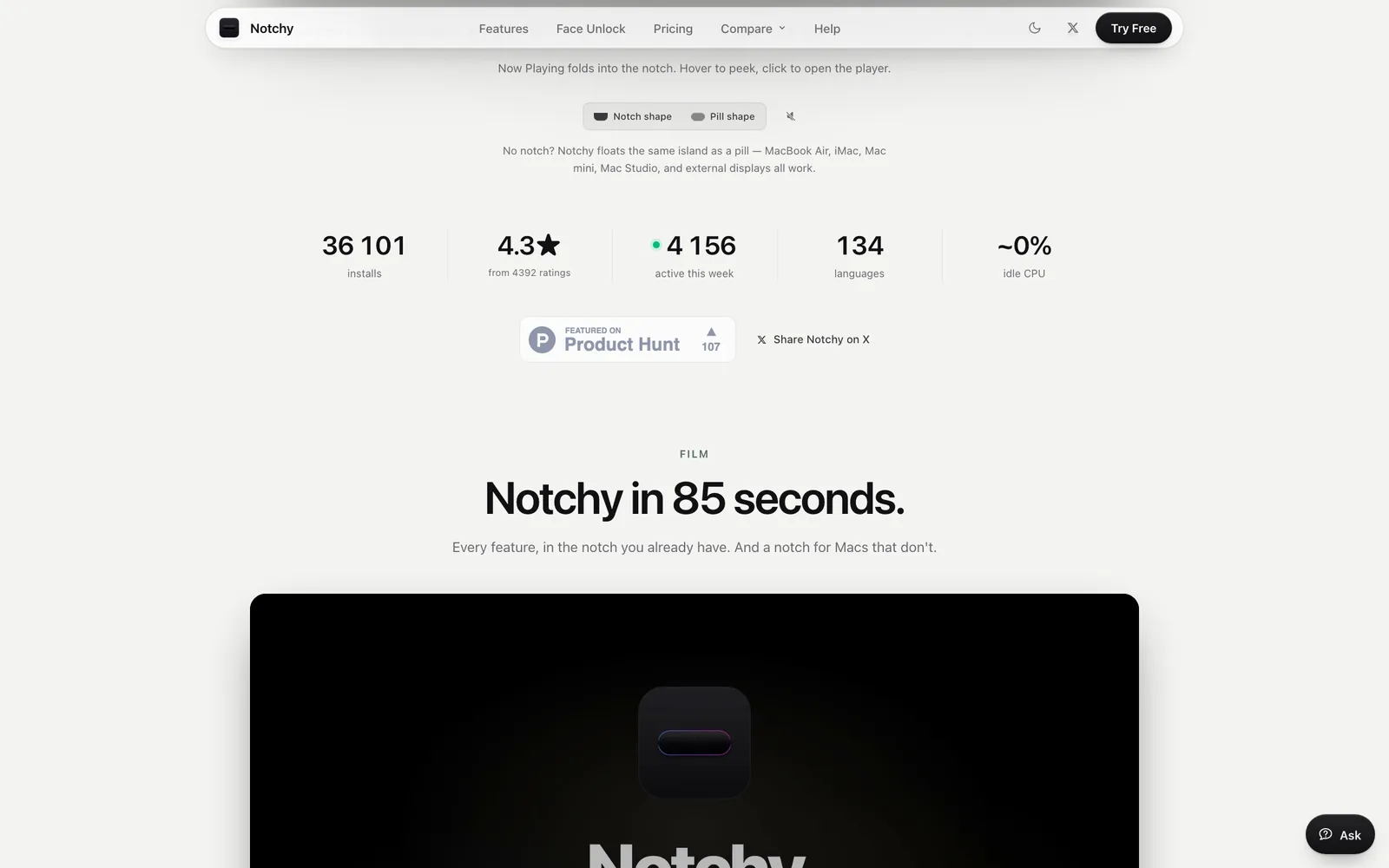
Notchy turns the MacBook notch into a fluid Dynamic Island with music, clipboard, timers, AI usage, HUDs and Face Unlock. Now Playing folds into the notch: hover to peek, click to open the player. On a Mac without a notch, including external displays, it floats the same island as a pill.
Price and availability
Notchy is a one-time purchase (7-day trial, then $24.99 once), with no subscription. You can get it from the developer's website. Dock Gallery links to the maker's page and never hosts or downloads the app itself, so you always get the official version.
Compatibility
Notchy requires macOS 13.0 or later.
- Requires macOS 13.0 or later
- Available from the developer's website
- One-time price, no subscription
Notchy compared with similar apps
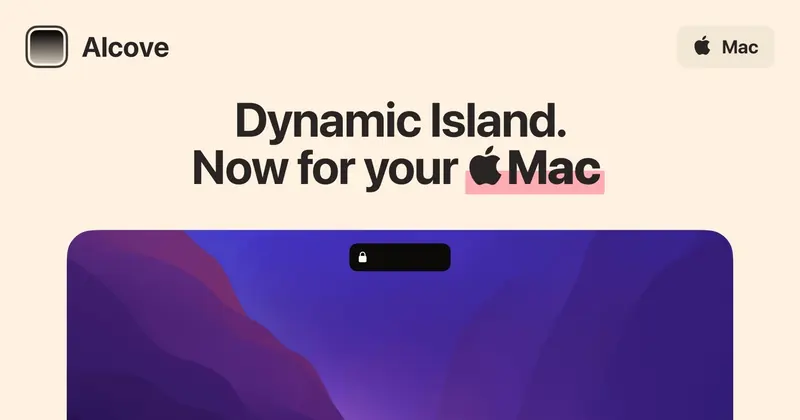
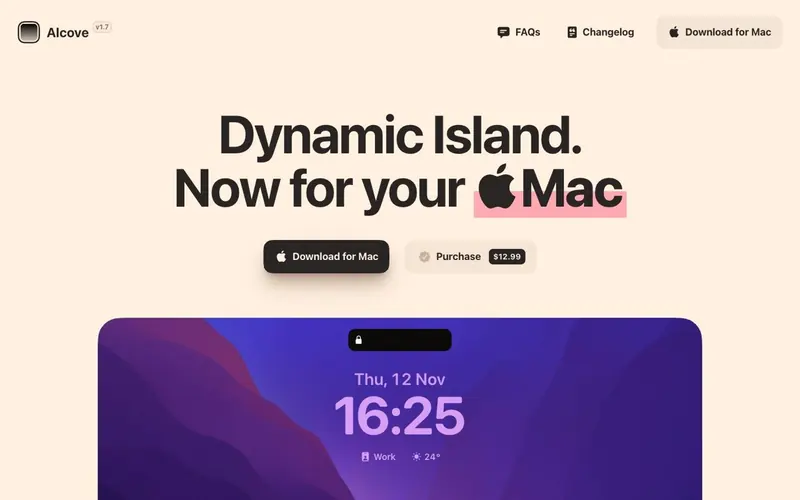
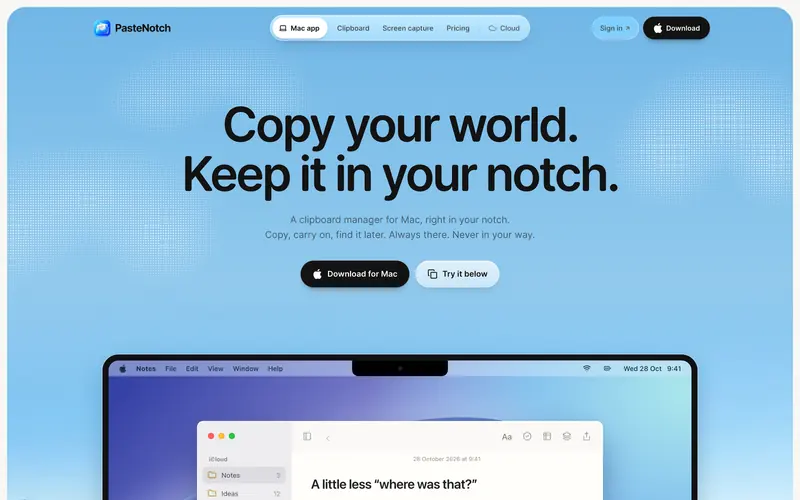
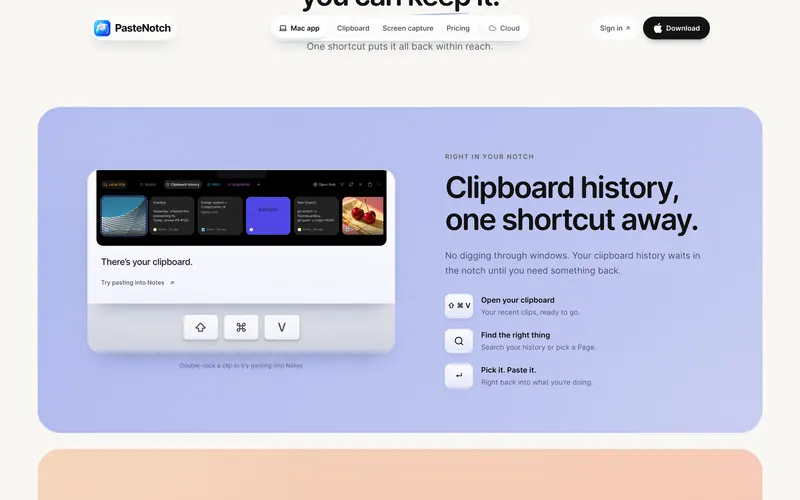
Notchy replaces Alcove, NotchNook and boring.notch. These apps in our catalogue do a similar job.
| App | What it does | Price | Native | macOS |
|---|---|---|---|---|
 Notchy | Dynamic Island for your MacBook notch | 7-day trial, then $24.99 once | Yes | 13.0+ |
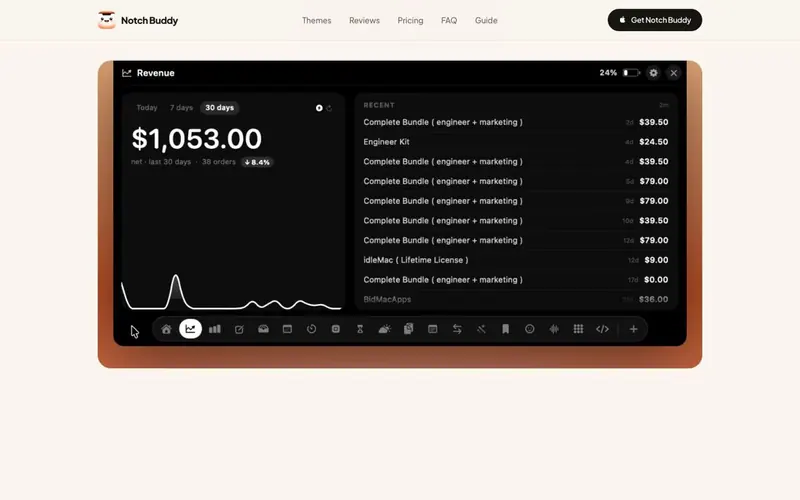
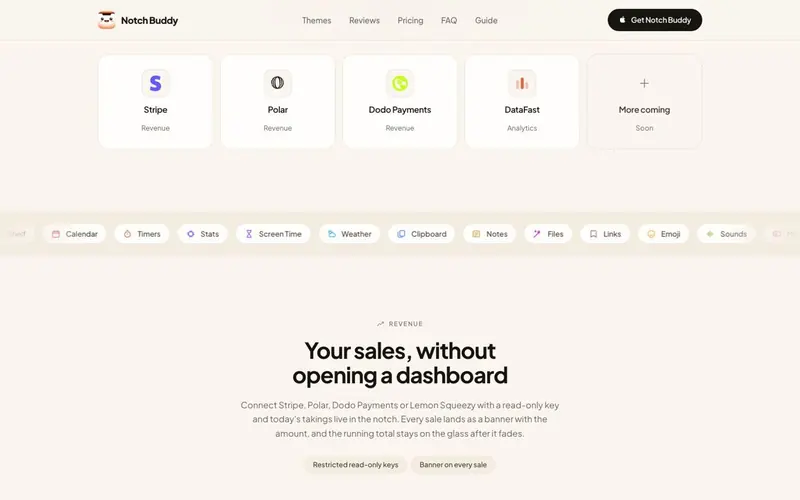
| Your MacBook notch, put to work | $5.99 once (launch price) | Yes | 14.0+ | |
| Music, clipboard and files in your notch | Free, Pro $14.99 once | No | 14.0+ | |
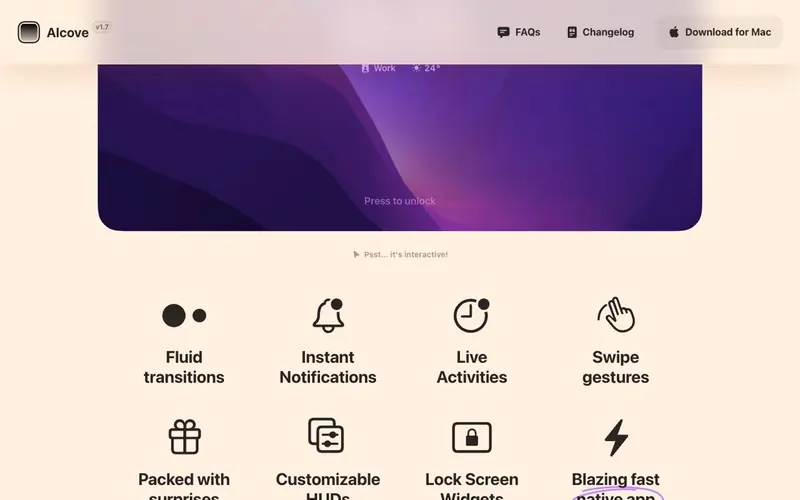
| Dynamic Island for your Mac | $12.99 once | Yes | 15.0+ | |
| Clipboard history in your Mac's notch | $4.99 once | Yes | 14.0+ |

Questions about Notchy
What is Notchy?
Notchy turns the MacBook notch into a fluid Dynamic Island with music, clipboard, timers, AI usage, HUDs and Face Unlock. Now Playing folds into the notch: hover to peek, click to open the player.
Is Notchy free?
Notchy is a one-time purchase (7-day trial, then $24.99 once), with no subscription.
Which macOS does Notchy need?
Notchy needs macOS 13.0 or later.
Who makes Notchy?
Notchy is made by Notchy.
Where can I get Notchy?
You can get it from the developer's website. We link to the maker's page and never host the app.
Ask AI about Notchy





Appears in
More apps
All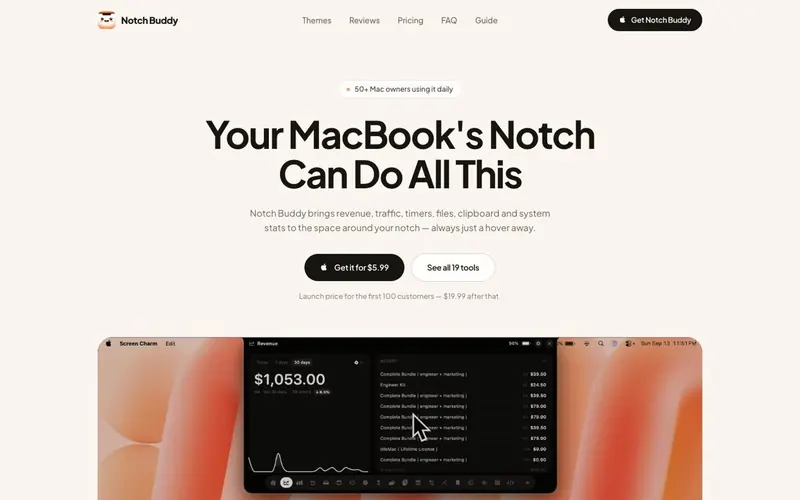


Details come from the maker's website. Icons and screenshots belong to their makers. Report an issue