About Walyro
Overview
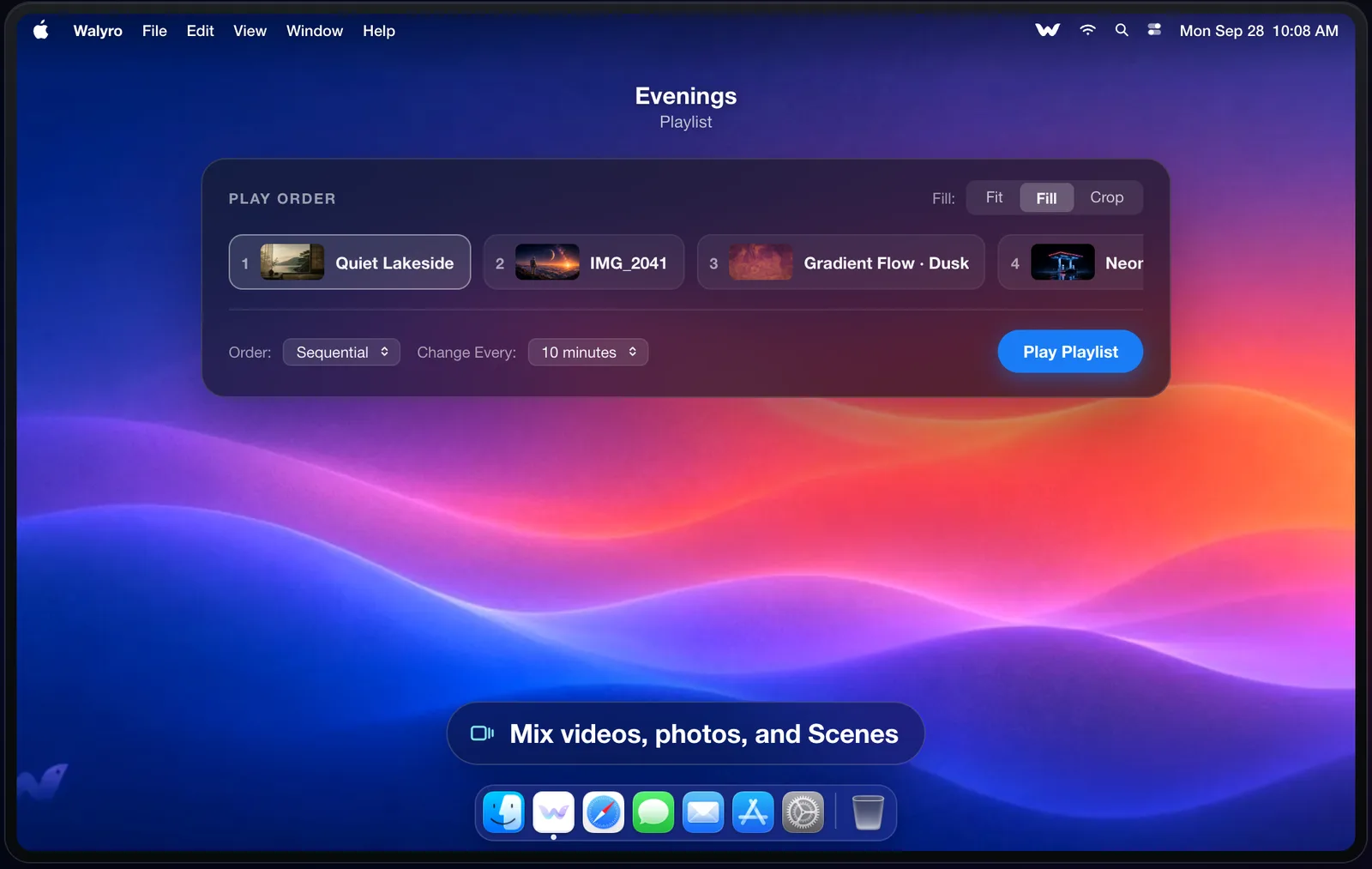
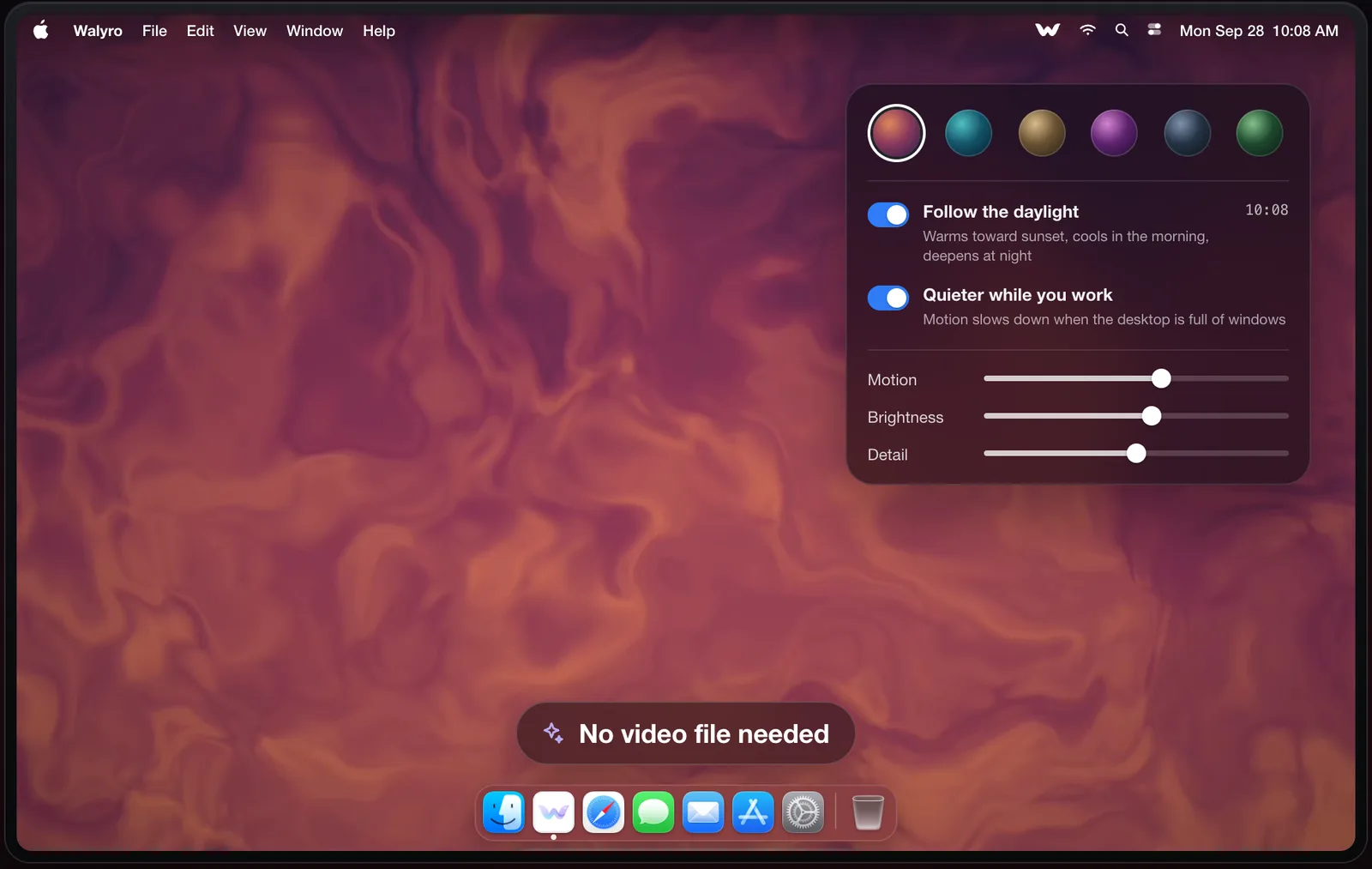
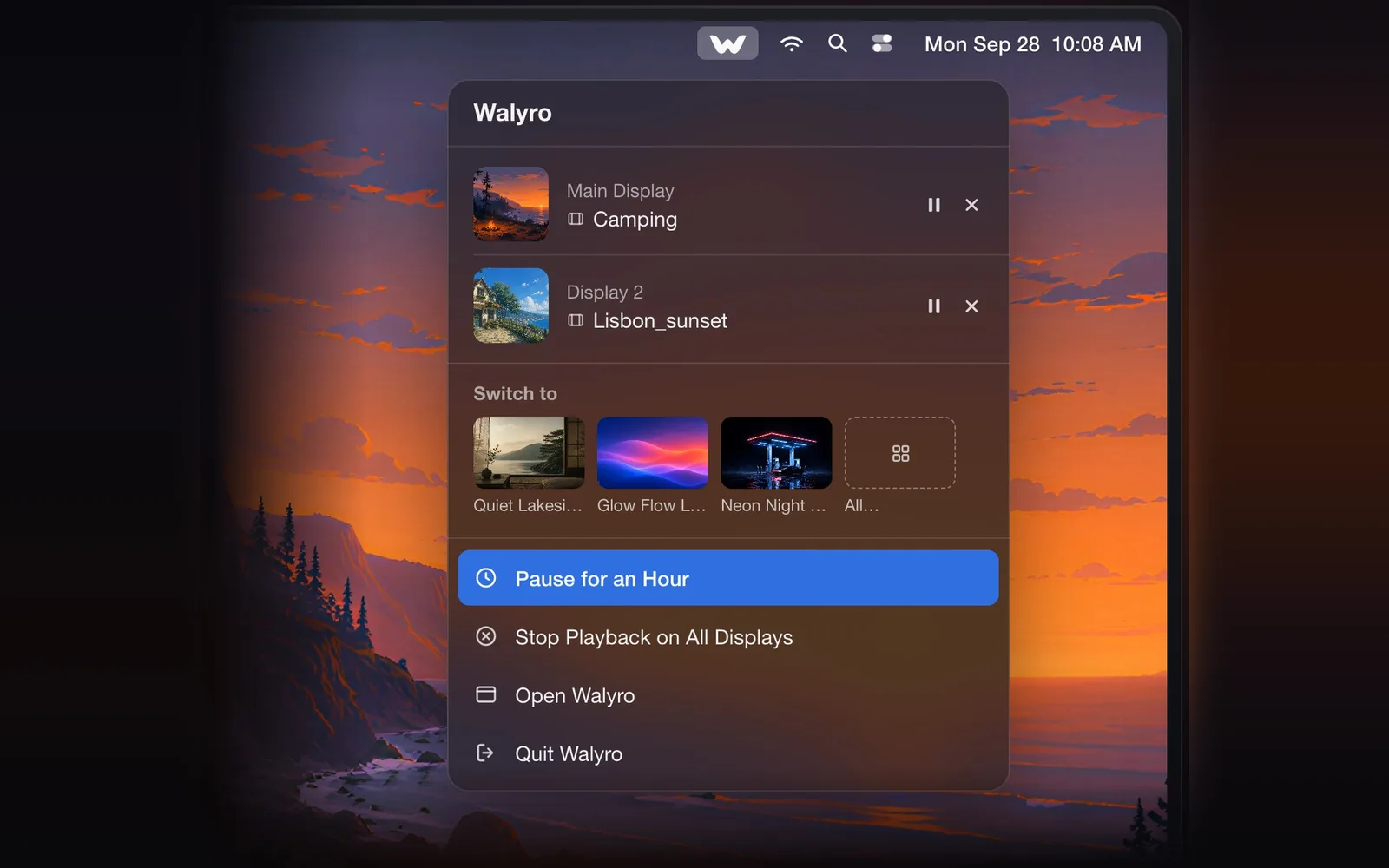
Walyro sets video wallpapers on your Mac. You can use your own MP4, MOV or M4V clips or the built-in starter videos, give each display its own wallpaper, build playlists and control everything from the menu bar. It pauses when the screen locks or the Mac sleeps, and it works offline, with your videos staying on your Mac. It is free to try on the Mac App Store, with a one-time purchase to unlock everything.
Price and availability
Walyro is a one-time purchase (Free to try, $14.99 once), with no subscription. You can get it from the Mac App Store. Dock Gallery links to the maker's page and never hosts or downloads the app itself, so you always get the official version.
Compatibility
Walyro requires macOS 14.0 or later.
- Requires macOS 14.0 or later
- Available from the Mac App Store
- One-time price, no subscription
Walyro compared with similar apps
Walyro replaces Plash and Aerial. These apps in our catalogue do a similar job.
| App | What it does | Price | Native | macOS |
|---|---|---|---|---|
 Walyro | Live video wallpapers that stay on your Mac | Free to try, $14.99 once | Yes | 14.0+ |
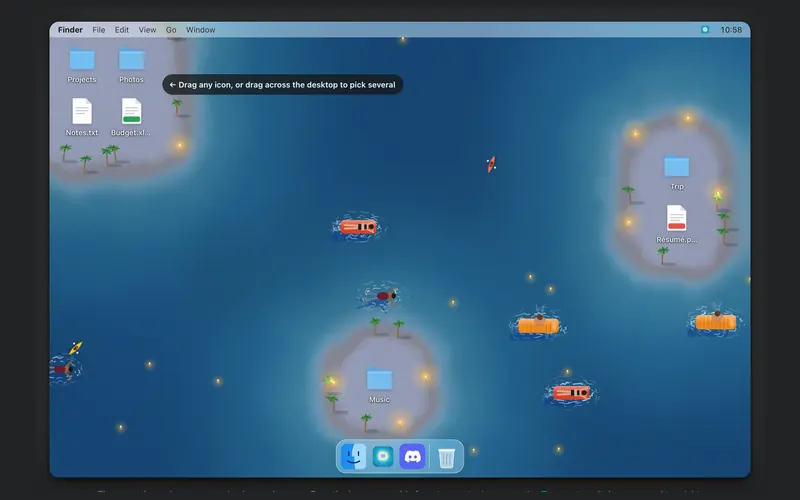
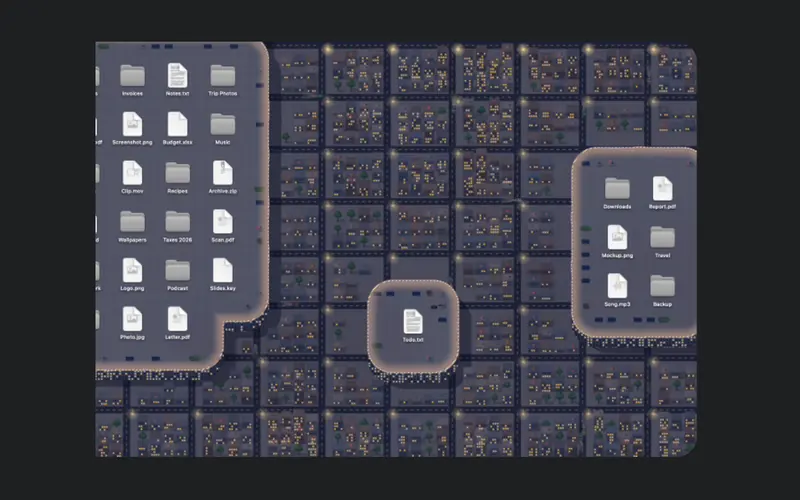
| A living wallpaper that reshapes around your desktop icons | Free, scenes from $2 | Yes | 14.0+ |
Questions about Walyro
What is Walyro?
Walyro sets video wallpapers on your Mac. You can use your own MP4, MOV or M4V clips or the built-in starter videos, give each display its own wallpaper, build playlists and control everything from the menu bar.
Is Walyro free?
Walyro is a one-time purchase (Free to try, $14.99 once), with no subscription.
Which macOS does Walyro need?
Walyro needs macOS 14.0 or later.
Who makes Walyro?
Walyro is made by Aleksandr Mubarakshin.
Where can I get Walyro?
You can get it from the Mac App Store. We link to the maker's page and never host the app.
Ask AI about Walyro





Appears in
More apps
All






Details come from the maker's website. Icons and screenshots belong to their makers. Report an issue