About VoiceOS
Overview
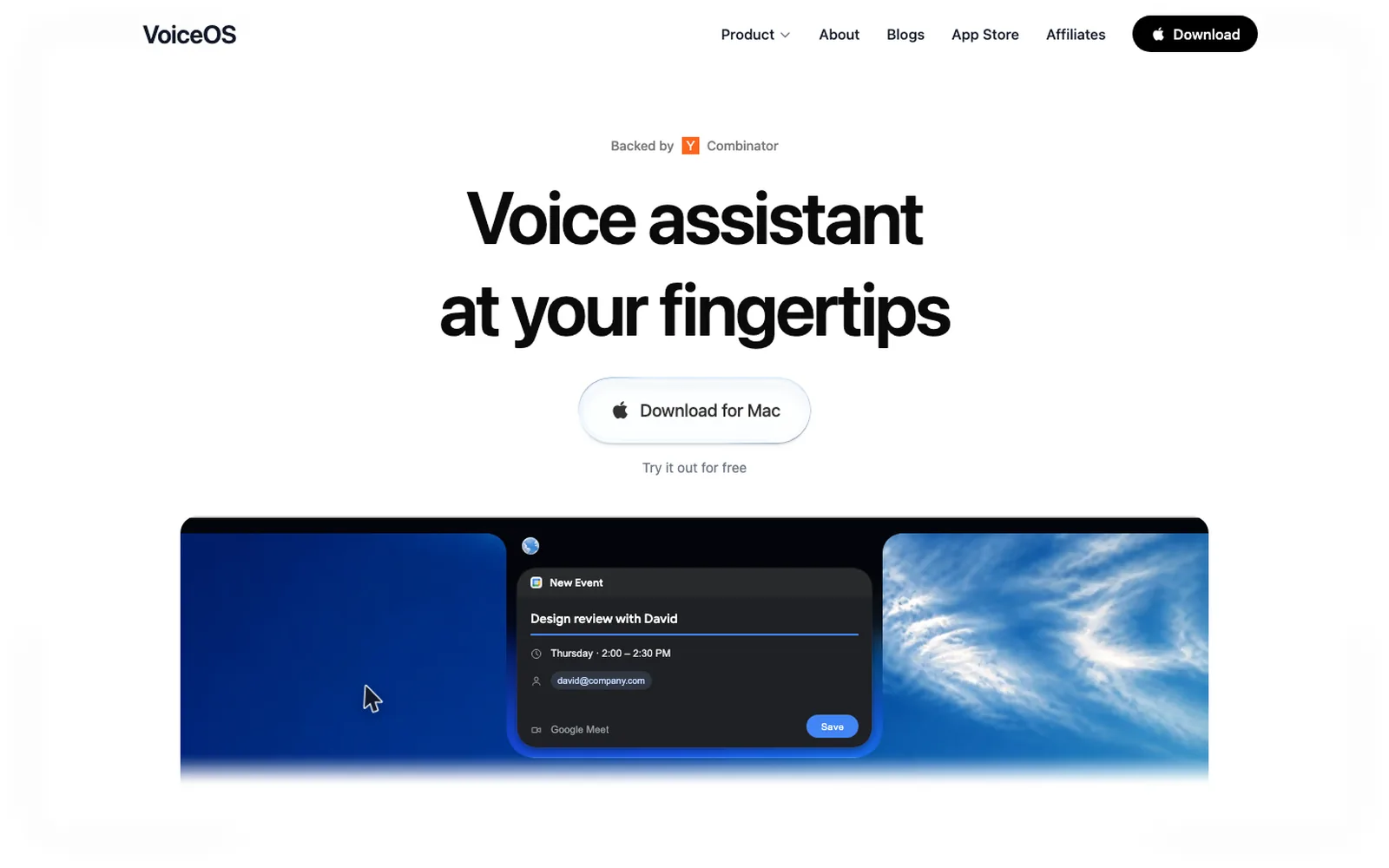
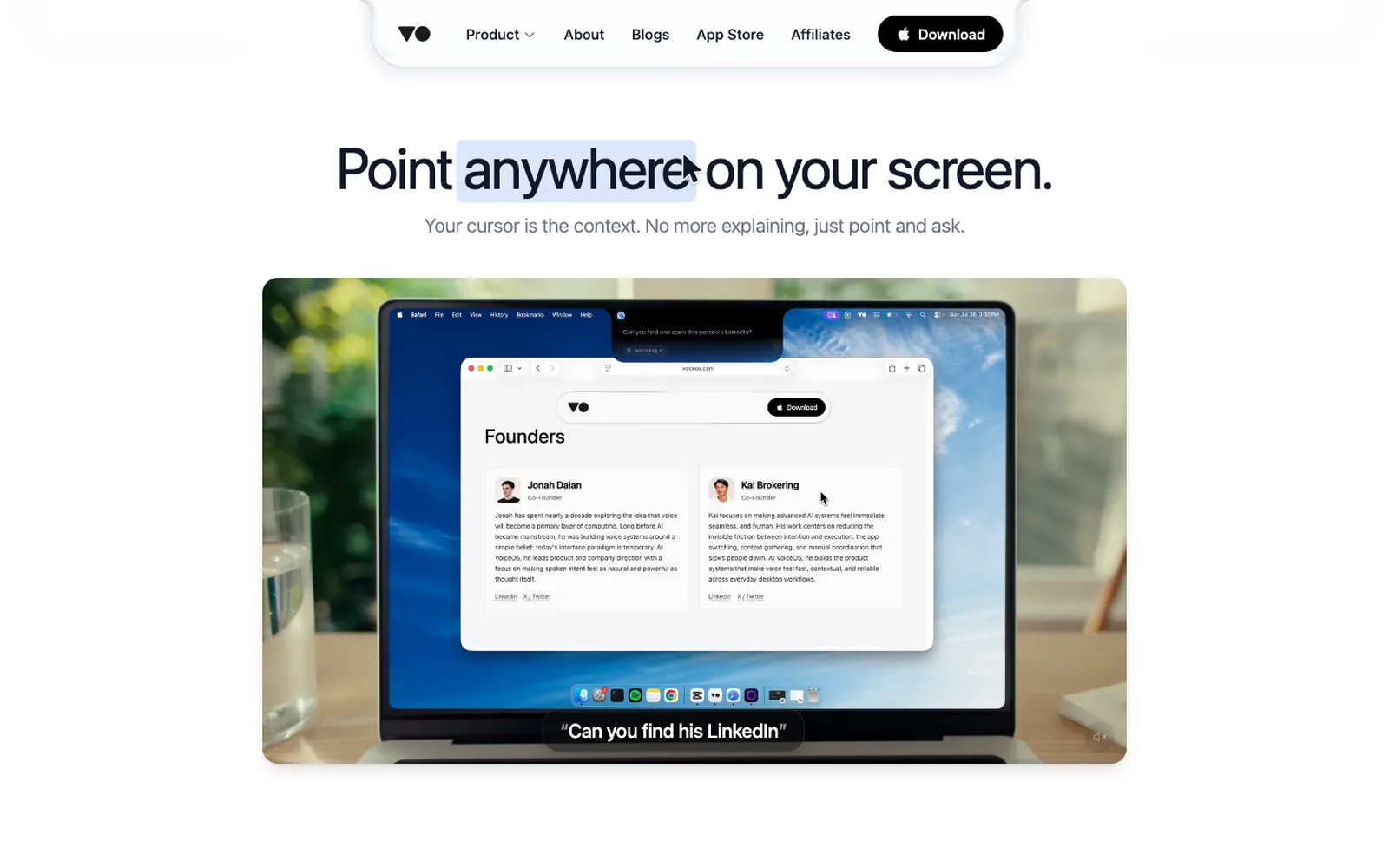
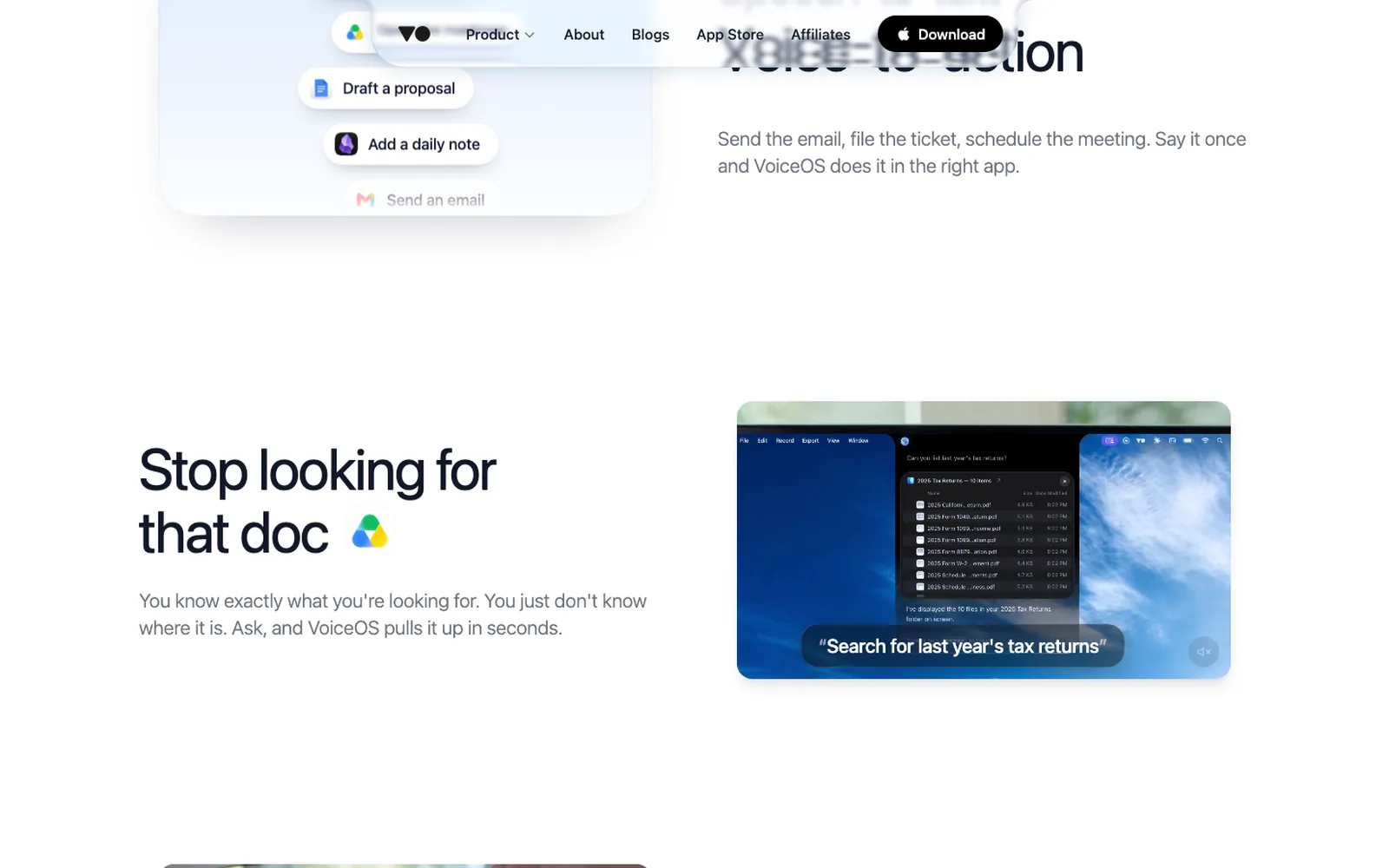
VoiceOS is a voice assistant for Mac and Windows that both dictates and takes actions. Free dictation removes filler words, adds punctuation and writes in the app you are using, while Agent Mode can send an email, file a ticket or find a file across apps. You can point anywhere on the screen and ask about it, because your cursor is the context. The team says your audio is never stored on its servers or used to train models.
Price and availability
VoiceOS has a free tier, with paid options for more features. You can get it from the developer's website. Dock Gallery links to the maker's page and never hosts or downloads the app itself, so you always get the official version.
Compatibility
VoiceOS requires macOS 10.15 or later.
- Requires macOS 10.15 or later
- Available from the developer's website
- Free tier available
VoiceOS compared with similar apps
VoiceOS replaces Wispr Flow, Superwhisper and Apple Dictation. These apps in our catalogue do a similar job.
| App | What it does | Price | Native | macOS |
|---|---|---|---|---|
 VoiceOS | A voice assistant that dictates and takes actions across your apps | Free dictation, Pro with a 7-day trial | Yes | 10.15+ |
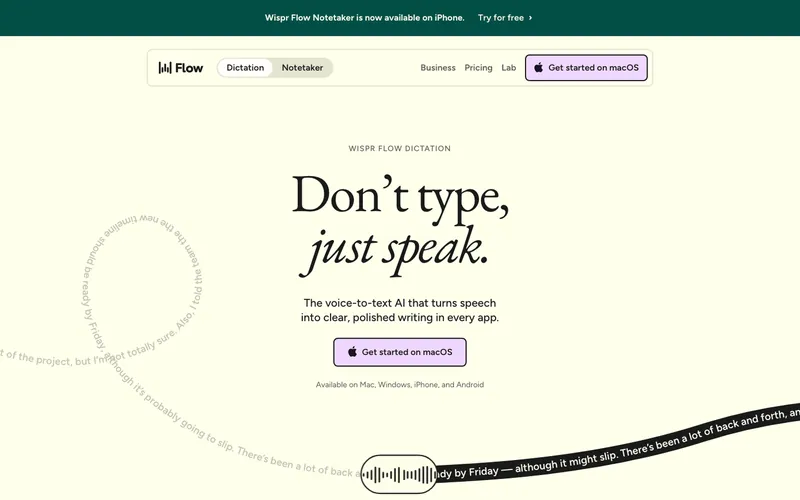
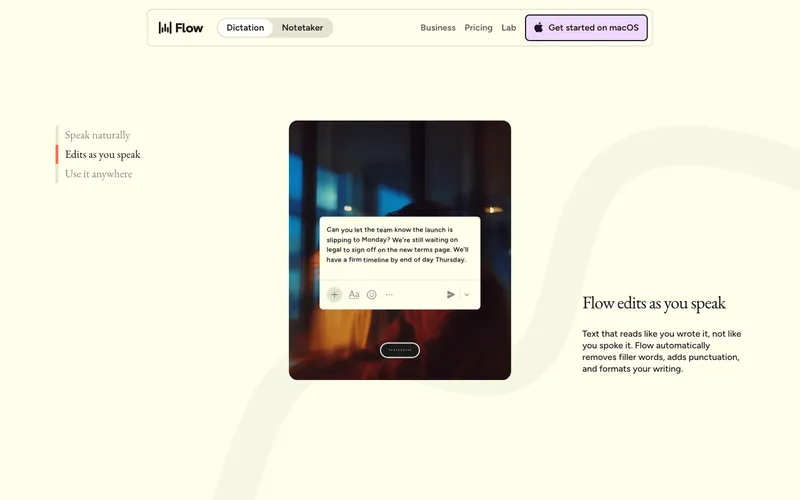
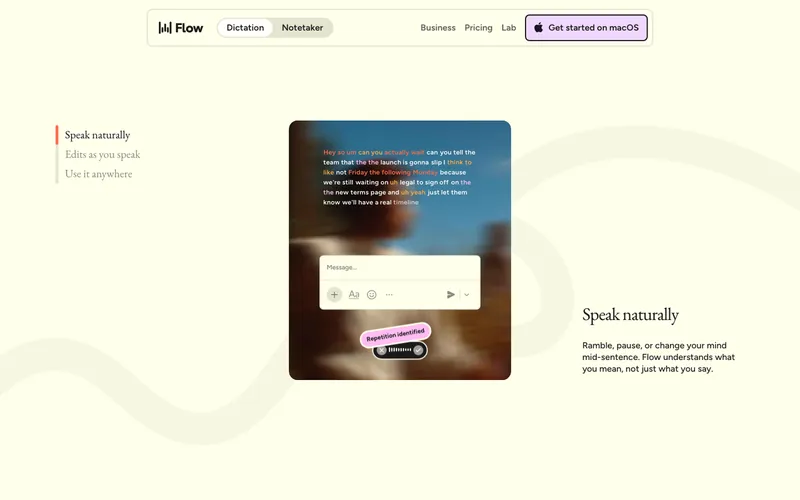
| Voice dictation that turns speech into polished text in any app | Free, Pro from $15/mo | Yes | 13.0+ | |
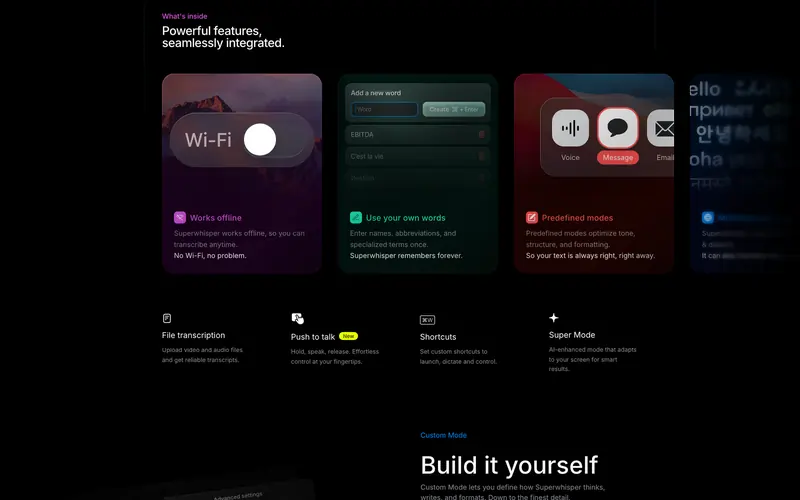
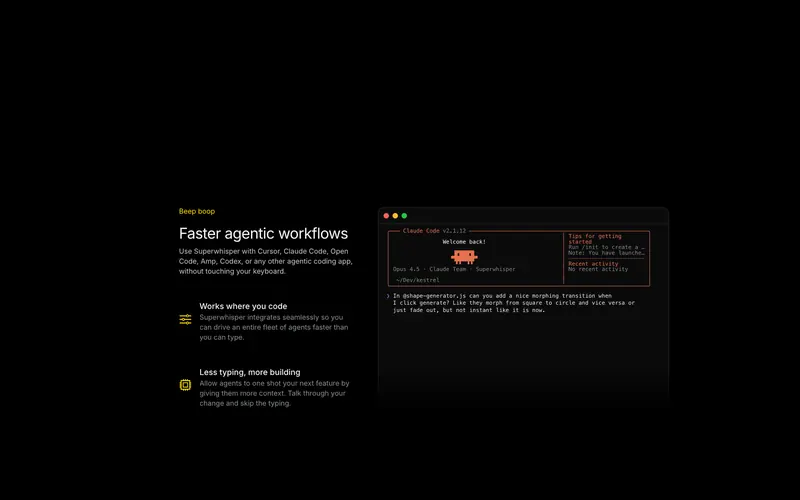
| AI voice to text: dictate in any app, offline or in the cloud | Free, Pro from $8.49/mo | Yes | 13.0+ |
Questions about VoiceOS
What is VoiceOS?
VoiceOS is a voice assistant for Mac and Windows that both dictates and takes actions. Free dictation removes filler words, adds punctuation and writes in the app you are using, while Agent Mode can send an email, file a ticket or find a file across apps.
Is VoiceOS free?
VoiceOS has a free tier, with paid options for more features.
Which macOS does VoiceOS need?
VoiceOS needs macOS 10.15 or later.
Who makes VoiceOS?
VoiceOS is made by VoiceOS.
Where can I get VoiceOS?
You can get it from the developer's website. We link to the maker's page and never host the app.
Ask AI about VoiceOS





More apps
All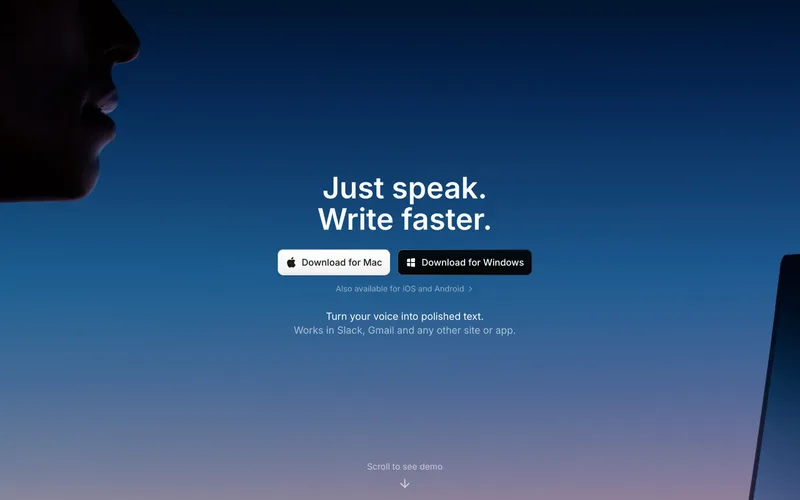
Details come from the maker's website. Icons and screenshots belong to their makers. Report an issue