About TinyFolder
Overview
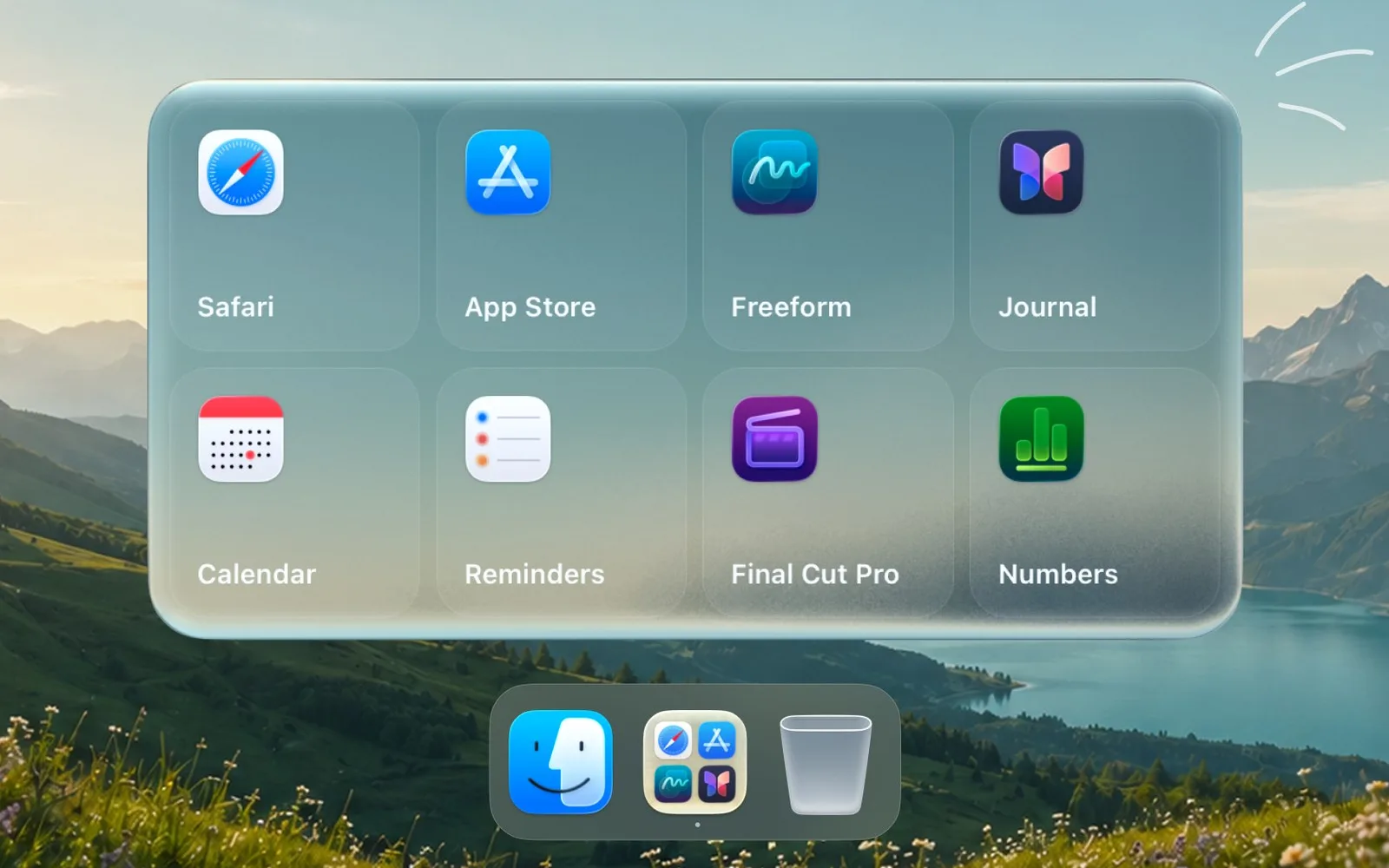
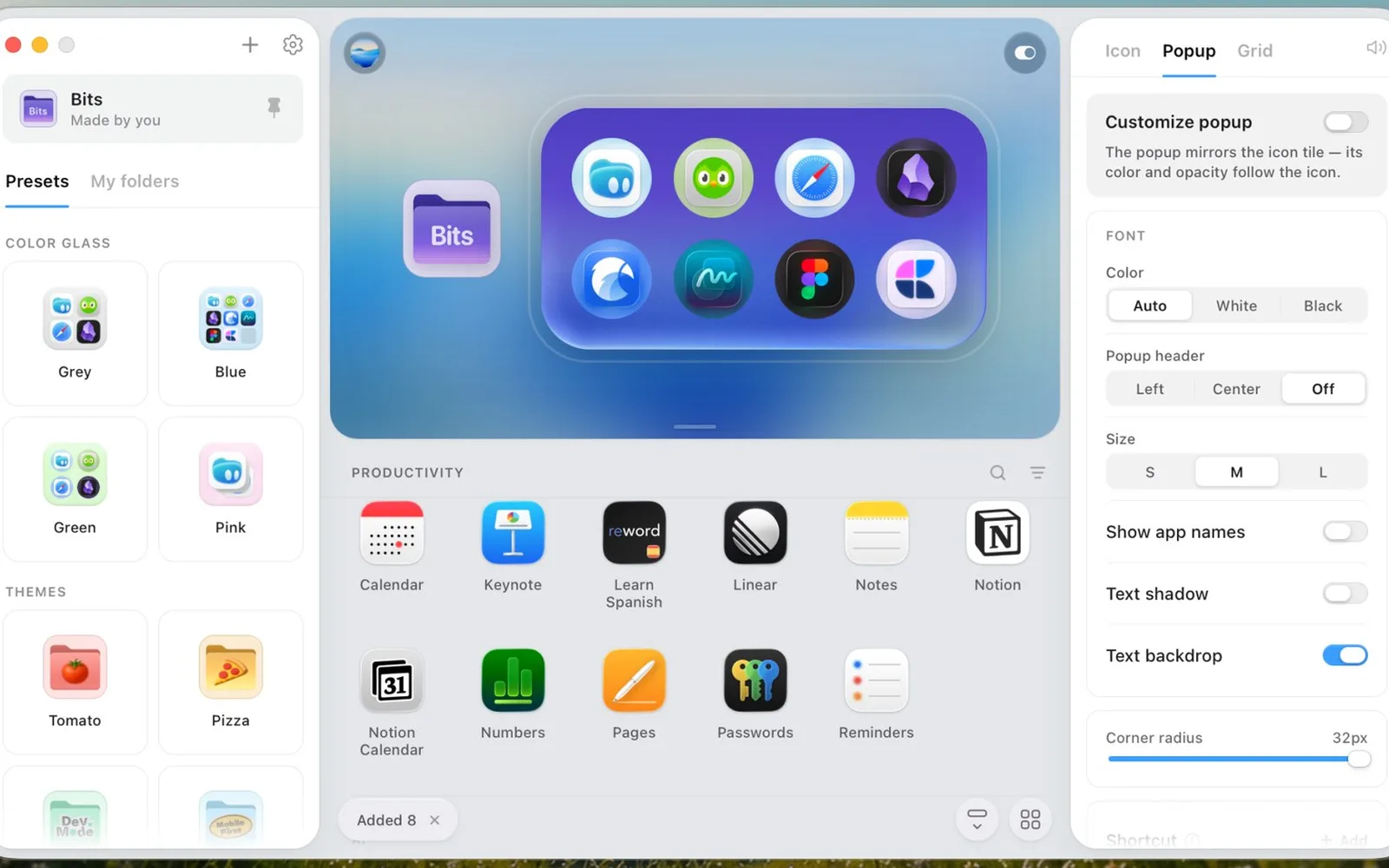
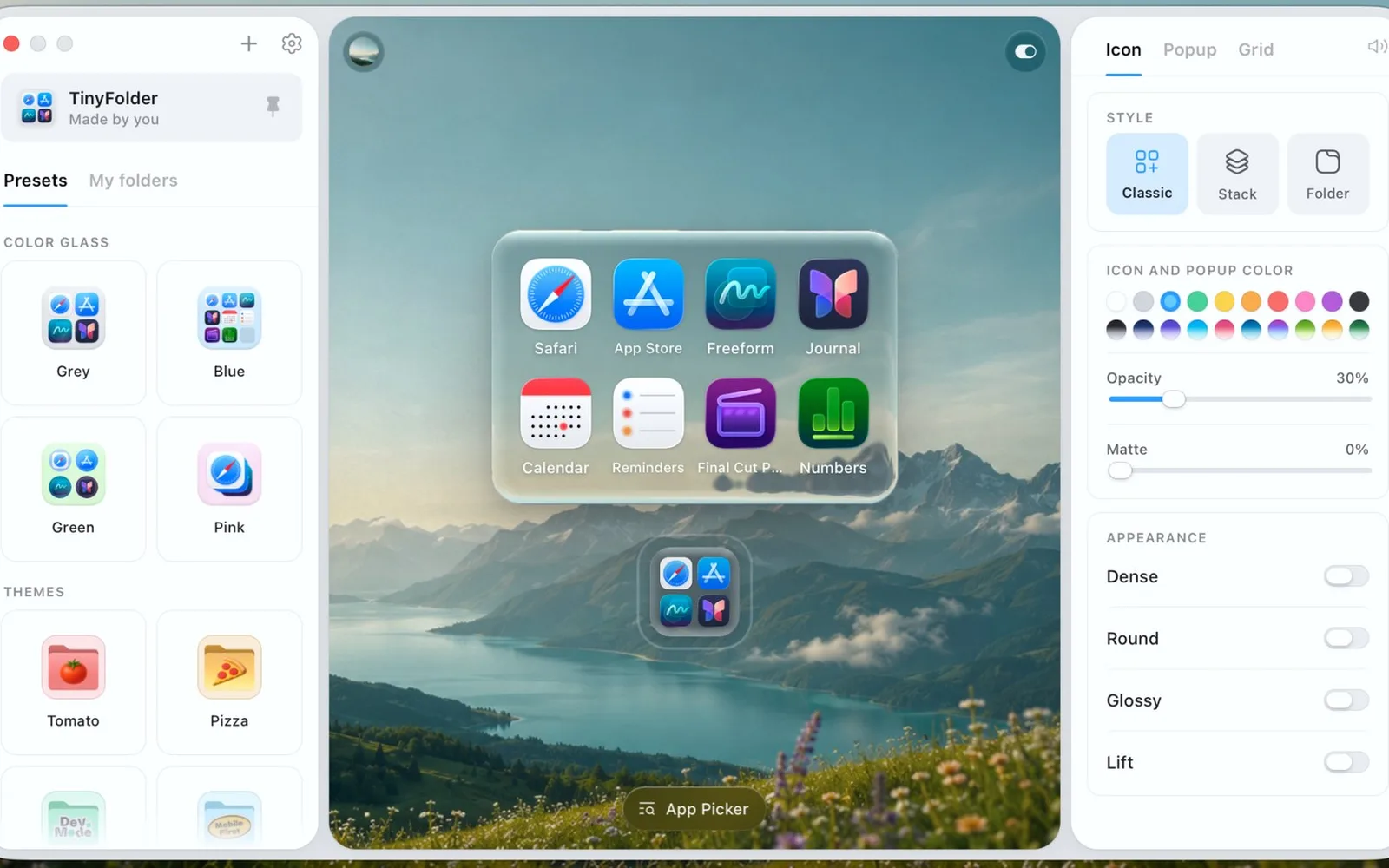
TinyFolder puts folders of apps into your Dock. You group the apps you use into custom folders, click one and a popup opens with icons, a list or large tiles, and a keyboard shortcut can open any folder from anywhere. A design studio lets you change the glass, colours, icons and fonts of each folder. It runs locally with no account. The free plan has one folder with up to four apps, and Pro unlocks unlimited folders as a yearly plan or a one-time lifetime purchase.
Price and availability
TinyFolder has a free tier, with paid options for more features. You can get it from the developer's website. Dock Gallery links to the maker's page and never hosts or downloads the app itself, so you always get the official version.
Compatibility
TinyFolder requires macOS 13.0 or later.
- Requires macOS 13.0 or later
- Available from the developer's website
- Free tier available
TinyFolder compared with similar apps
TinyFolder replaces macOS Dock. These apps in our catalogue do a similar job.

Questions about TinyFolder
What is TinyFolder?
TinyFolder puts folders of apps into your Dock. You group the apps you use into custom folders, click one and a popup opens with icons, a list or large tiles, and a keyboard shortcut can open any folder from anywhere.
Is TinyFolder free?
TinyFolder has a free tier, with paid options for more features.
Which macOS does TinyFolder need?
TinyFolder needs macOS 13.0 or later.
Who makes TinyFolder?
TinyFolder is made by Sergey Filkov.
Where can I get TinyFolder?
You can get it from the developer's website. We link to the maker's page and never host the app.
Ask AI about TinyFolder




Appears in
More apps
All
Details come from the maker's website. Icons and screenshots belong to their makers. Report an issue