About Search
Overview
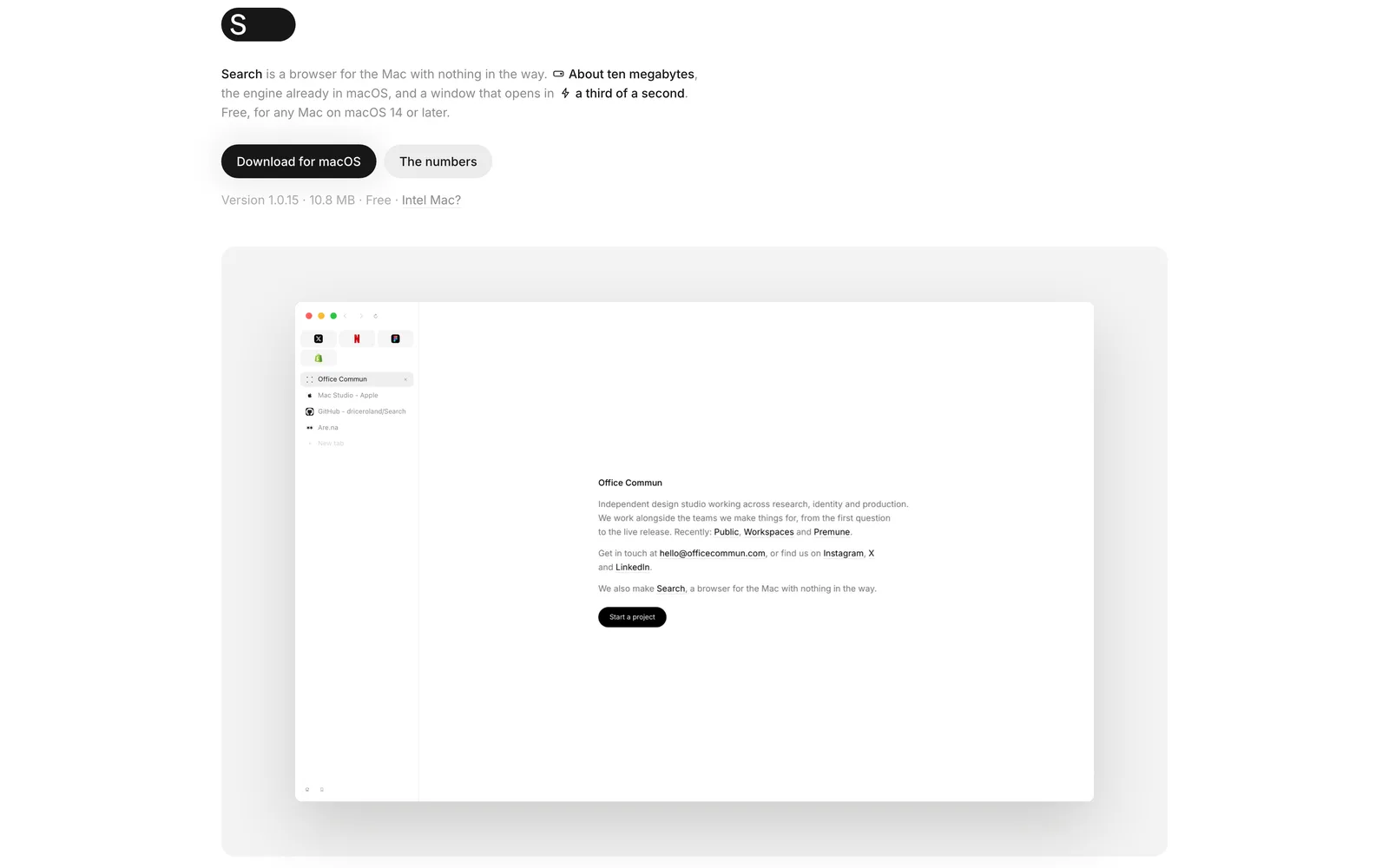
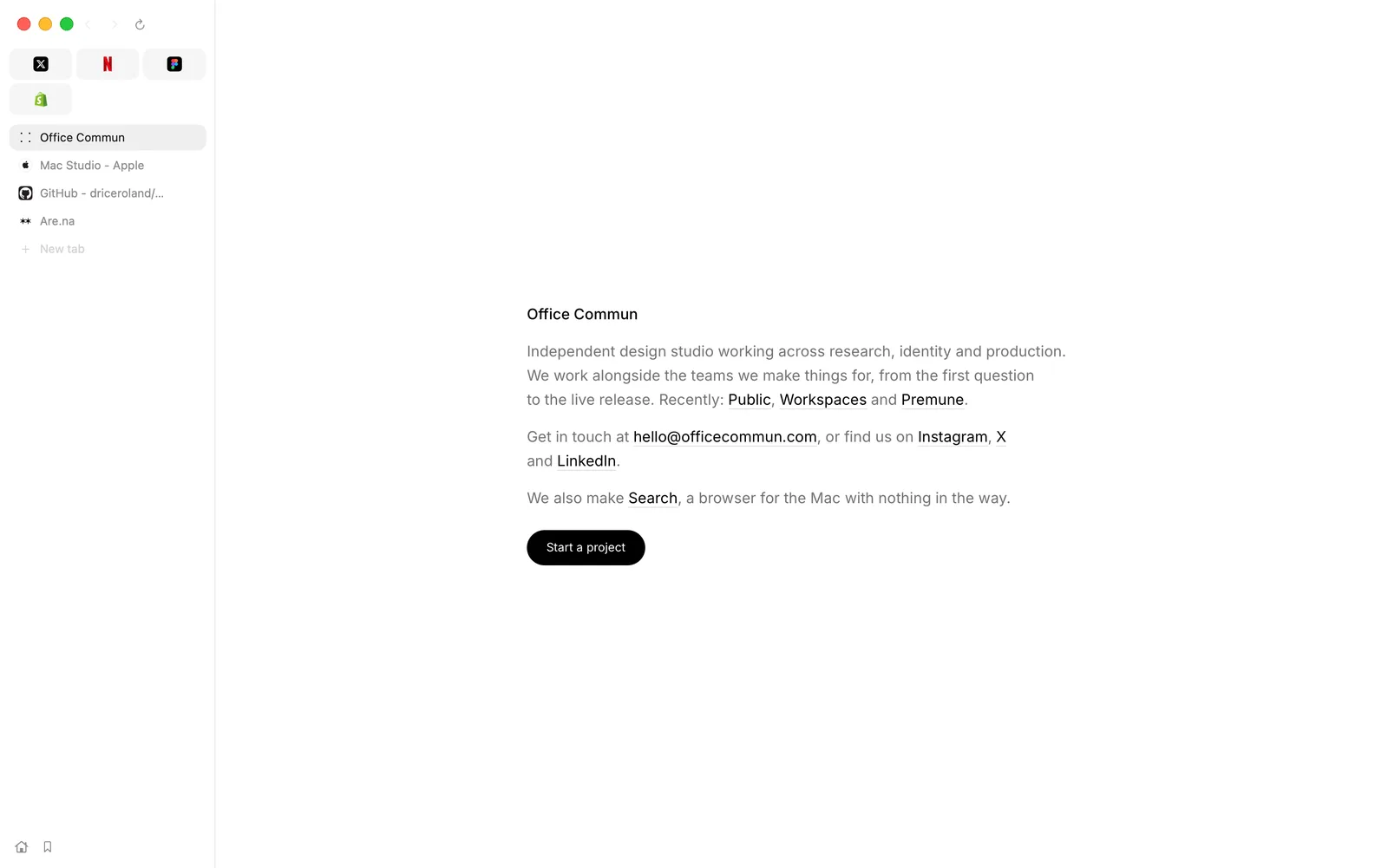
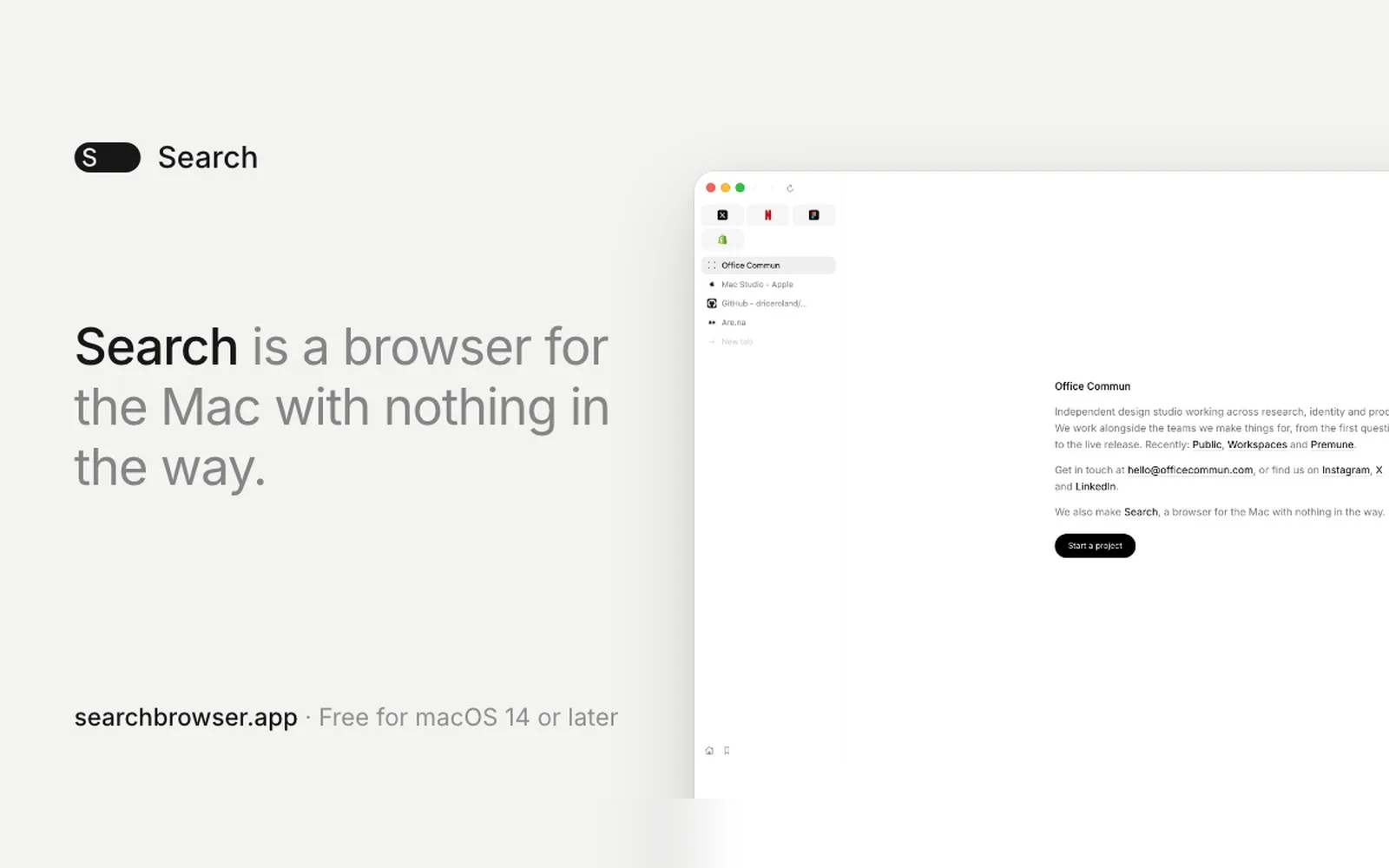
Search is a small web browser for the Mac, about ten megabytes, that opens a window in about a third of a second. It runs on WebKit, the engine that comes with macOS. You can put tabs across the top or down a sidebar, keep separate sets of tabs in spaces and swipe between them, use a reading mode and a floating video window, and block ads and hide page elements. You can bring over bookmarks, history and passwords from Chrome, Arc, Firefox and others, and install Chrome extensions on newer macOS. It is free and open source, with no account, and needs macOS 14 or later.
Price and availability
Search is open source and free to use. You can get it from the developer's website. Dock Gallery links to the maker's page and never hosts or downloads the app itself, so you always get the official version.
Compatibility
Search requires macOS 14.0 or later.
- Requires macOS 14.0 or later
- Available from the developer's website
- No payment needed
Search compared with similar apps
Search replaces Safari and Arc. These apps in our catalogue do a similar job.
| App | What it does | Price | Native | macOS |
|---|---|---|---|---|
 Search | A light, open source browser for the Mac with nothing in the way | Free and open source | No | 14.0+ |
| The browser built to do real work for you | Free, Pro $20/mo | Yes | 14.0+ |

Questions about Search
What is Search?
Search is a small web browser for the Mac, about ten megabytes, that opens a window in about a third of a second. It runs on WebKit, the engine that comes with macOS.
Is Search free?
Search is open source and free to use.
Which macOS does Search need?
Search needs macOS 14.0 or later.
Who makes Search?
Search is made by Office Commun.
Where can I get Search?
You can get it from the developer's website. We link to the maker's page and never host the app.
Ask AI about Search





Appears in
More apps
All

Details come from the maker's website. Icons and screenshots belong to their makers. Report an issue