

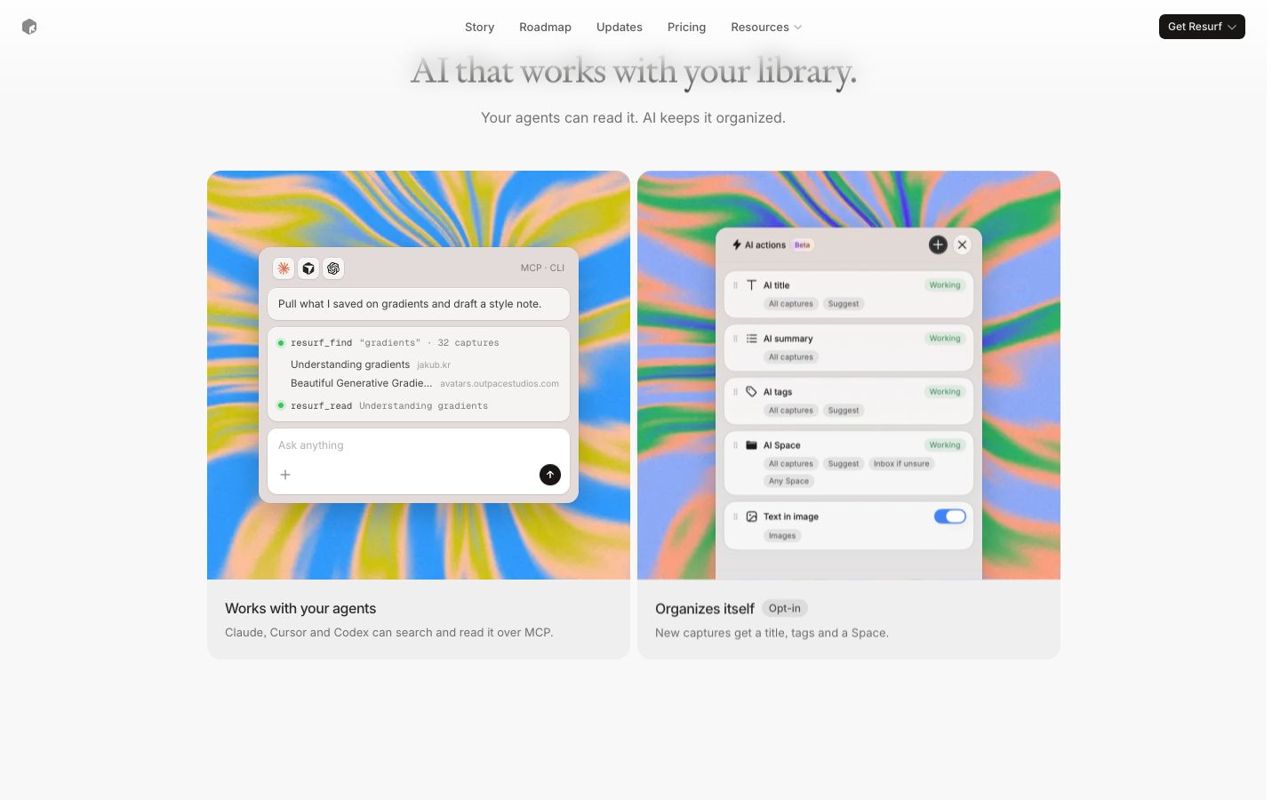
About Resurf
Overview
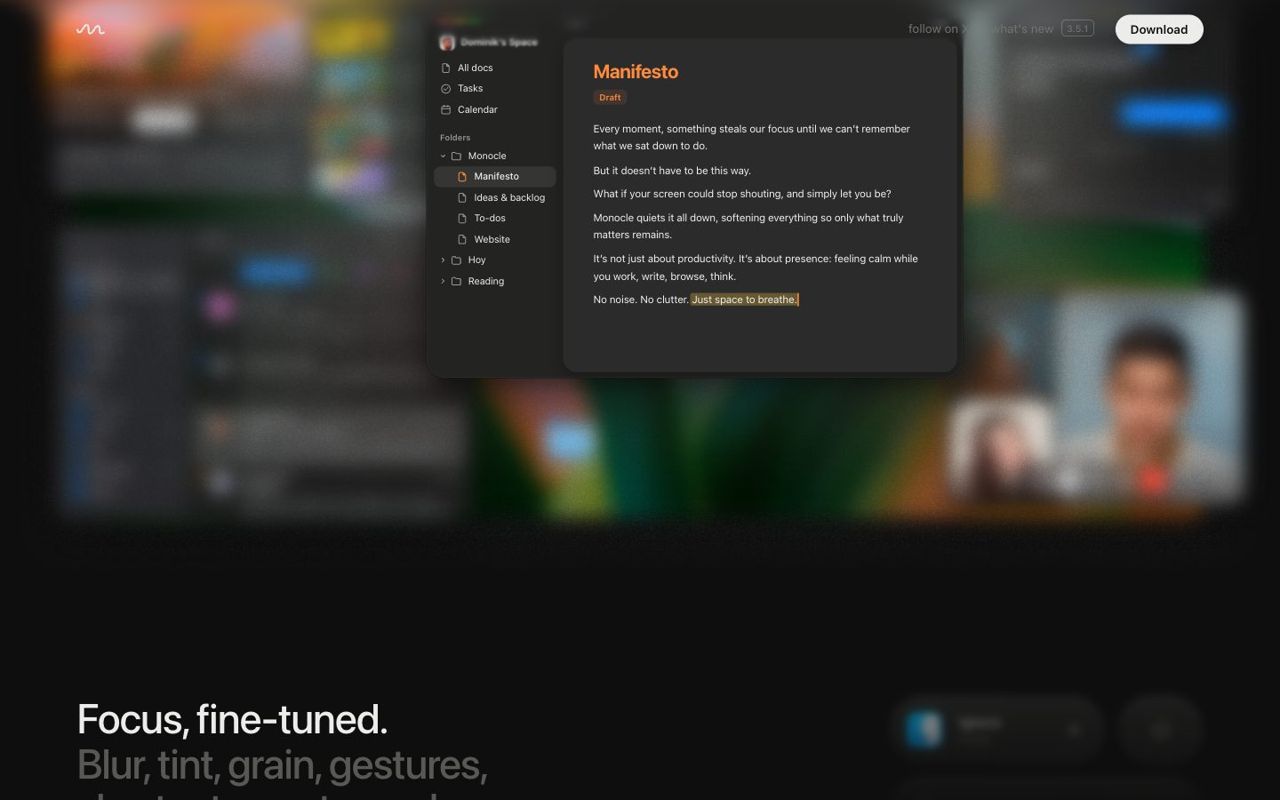
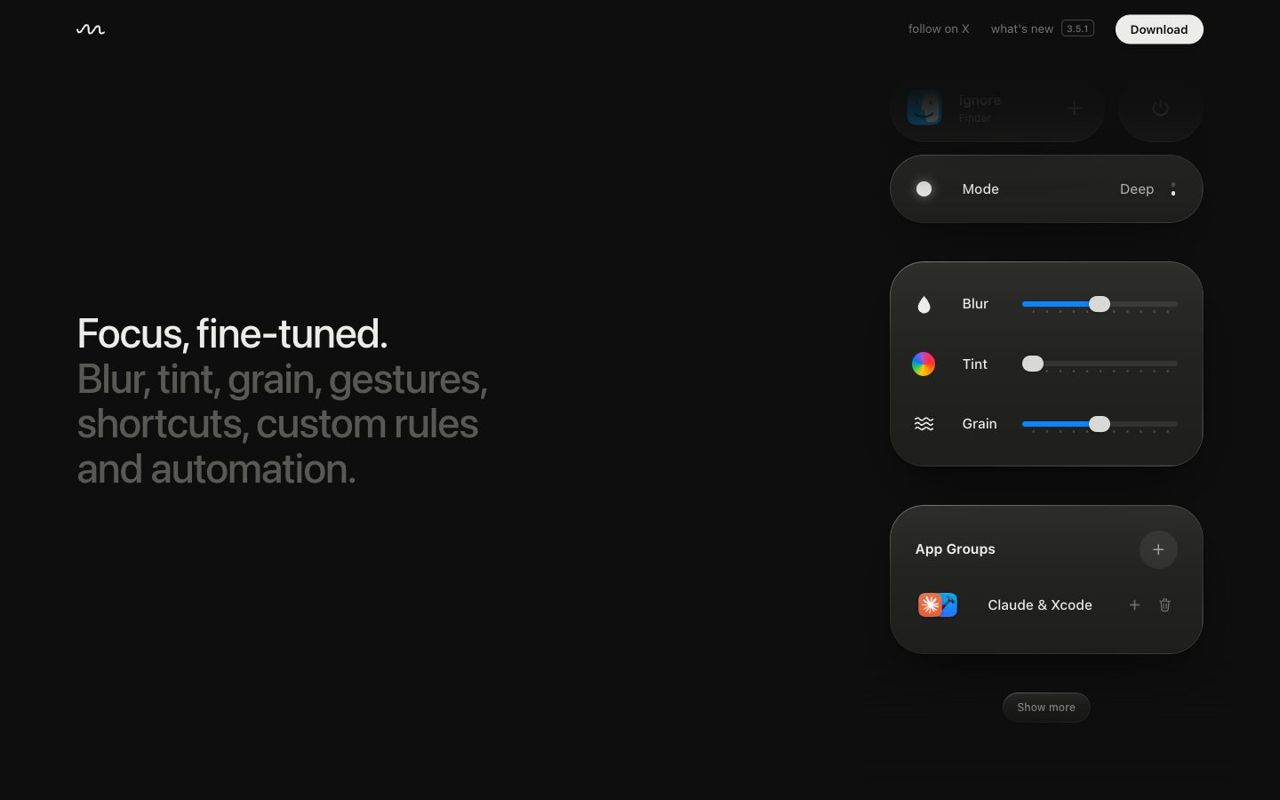
Personal knowledge base and bookmark manager. Resurf is a native productivity app for macOS 14.3 and later, made by Resurf. It is listed in Productivity on Dock Gallery.
Who it's for
Resurf is a good fit for people who want to get more done with fewer clicks. If that sounds like you, it is worth a closer look at the screenshots above and the maker's own page.
Price and availability
Resurf is a one-time purchase ($39 once, 7-day trial), with no subscription. You can get it from the developer's website. Dock Gallery links to the maker's page and never hosts or downloads the app itself, so you always get the official version.
Compatibility
Resurf requires macOS 14.3 or later.
What to look for in a productivity app
Productivity apps help you plan, capture and finish work. When choosing one, look for fast keyboard shortcuts, reliable sync and a design that stays out of your way, because the best tool is the one you actually open every day.
- Requires macOS 14.3 or later
- Available from the developer's website
- One-time price, no subscription
Details
- Price
- $39 once, 7-day trial
- Category
- Productivity
- Website
- resurf.so ↗
- Requires
- macOS 14.3+
- Built with
- Native
- Chip
- Universal
- Get it from
- Developer site
- Added
- November 12, 2026
Questions about Resurf
What is Resurf?
Personal knowledge base and bookmark manager. Resurf is a native productivity app for macOS made by Resurf.
Is Resurf free?
Resurf is a one-time purchase ($39 once, 7-day trial), with no subscription.
Which macOS does Resurf need?
Resurf needs macOS 14.3 or later.
Who makes Resurf?
Resurf is made by Resurf.
Where can I get Resurf?
You can get it from the developer's website. We link to the maker's page and never host the app.
More apps
All


Details come from the maker's website. Icons and screenshots belong to their makers. Report an issue