About Convert & Compress
Overview
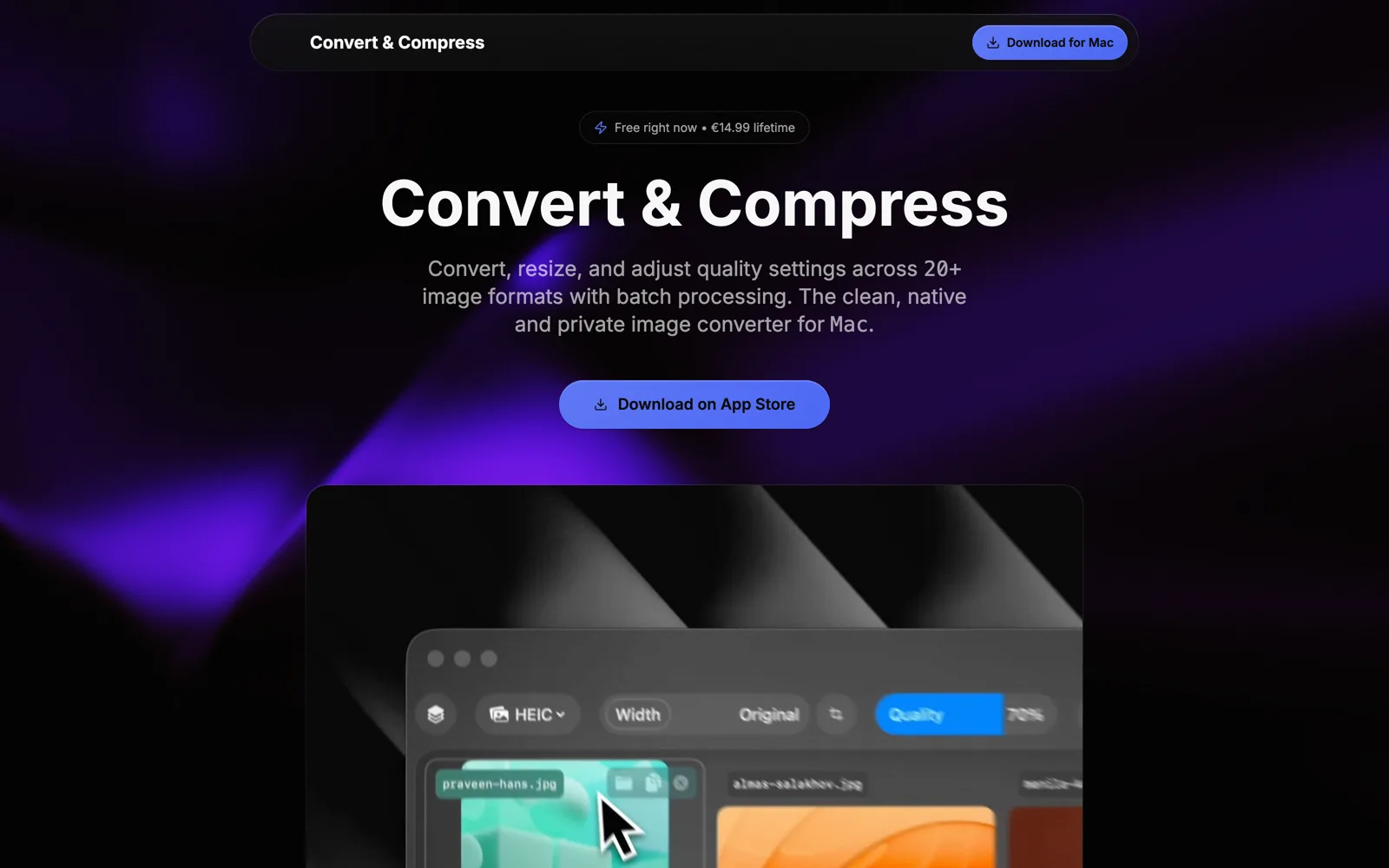
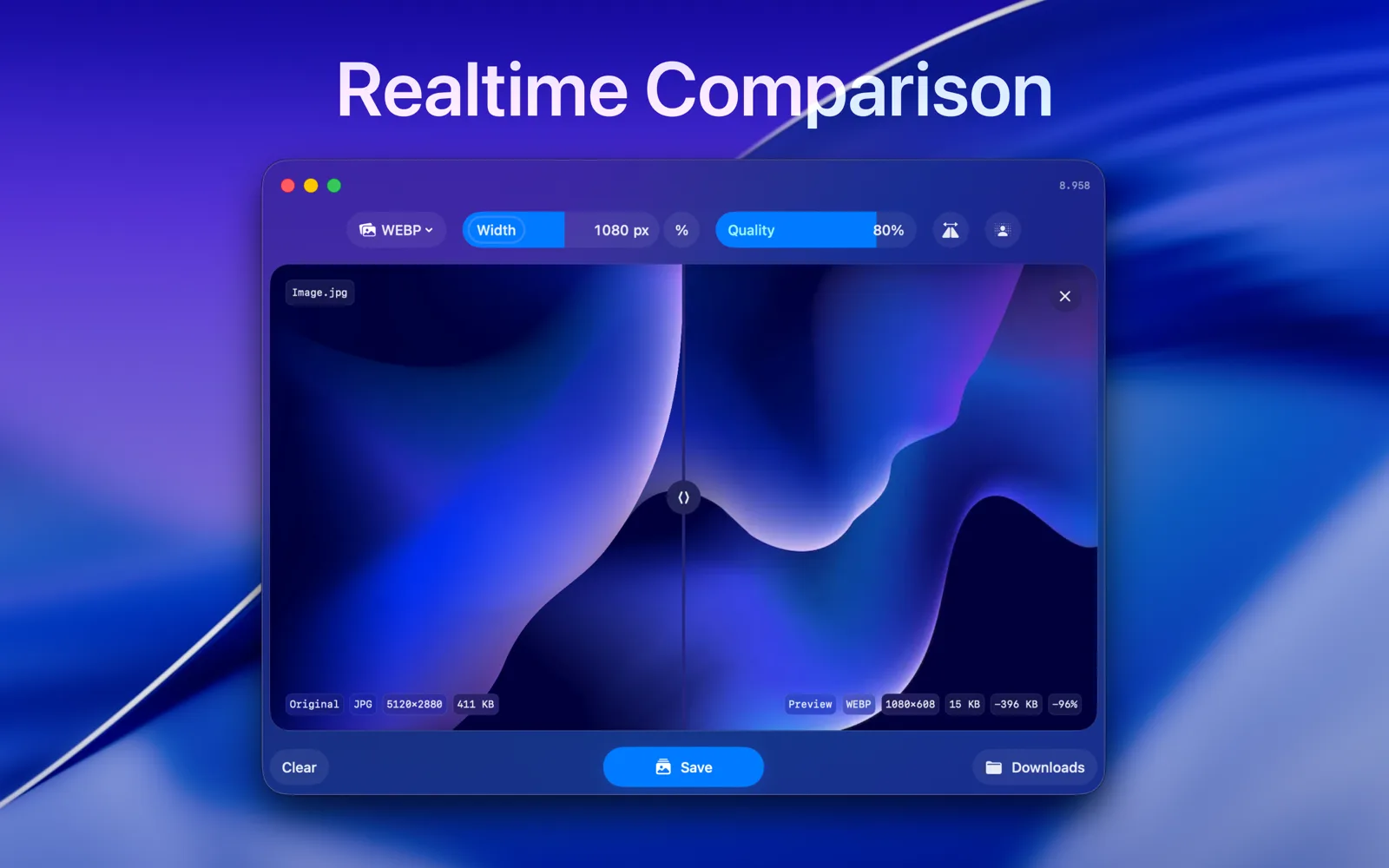
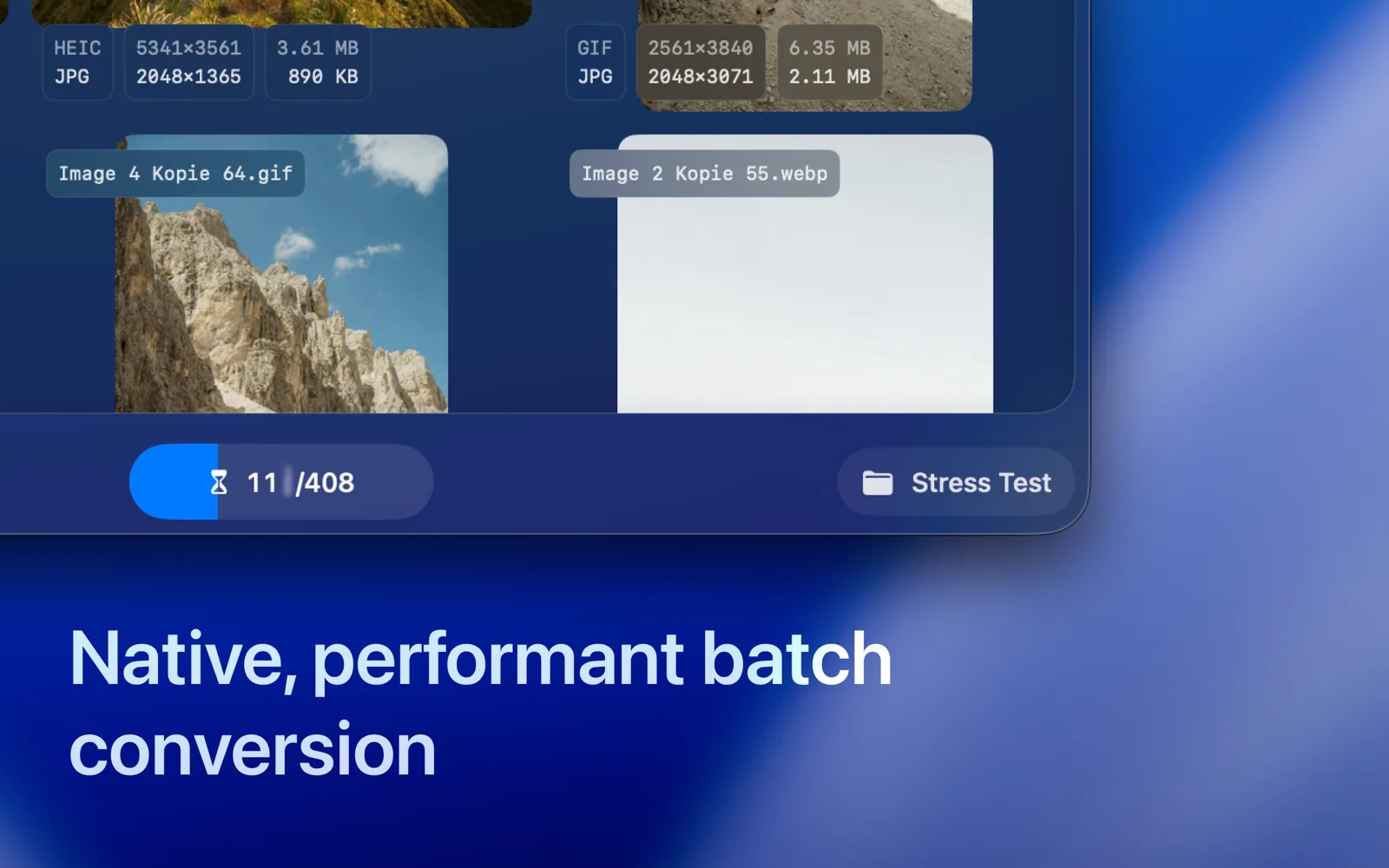
Convert & Compress changes, resizes and shrinks images on your Mac without sending them anywhere. It reads over 50 formats, including HEIC, RAW and SVG, and writes 21, and it handles whole folders in one batch. A slider compares the original with the result before you save, and you can keep your own presets for things like web or Instagram. It works offline, has no analytics, and its source code is on GitHub.
Price and availability
Convert & Compress has a free tier, with paid options for more features. You can get it from the Mac App Store. Dock Gallery links to the maker's page and never hosts or downloads the app itself, so you always get the official version.
Compatibility
Convert & Compress requires macOS 15.0 or later.
- Requires macOS 15.0 or later
- Available from the Mac App Store
- Free tier available
Questions about Convert & Compress
What is Convert & Compress?
Convert & Compress changes, resizes and shrinks images on your Mac without sending them anywhere. It reads over 50 formats, including HEIC, RAW and SVG, and writes 21, and it handles whole folders in one batch.
Is Convert & Compress free?
Convert & Compress has a free tier, with paid options for more features.
Which macOS does Convert & Compress need?
Convert & Compress needs macOS 15.0 or later.
Who makes Convert & Compress?
Convert & Compress is made by Raphael Wennmacher.
Where can I get Convert & Compress?
You can get it from the Mac App Store. We link to the maker's page and never host the app.
Ask AI about Convert & Compress





Appears in
More apps
All





Details come from the maker's website. Icons and screenshots belong to their makers. Report an issue