About ADSwift
Overview
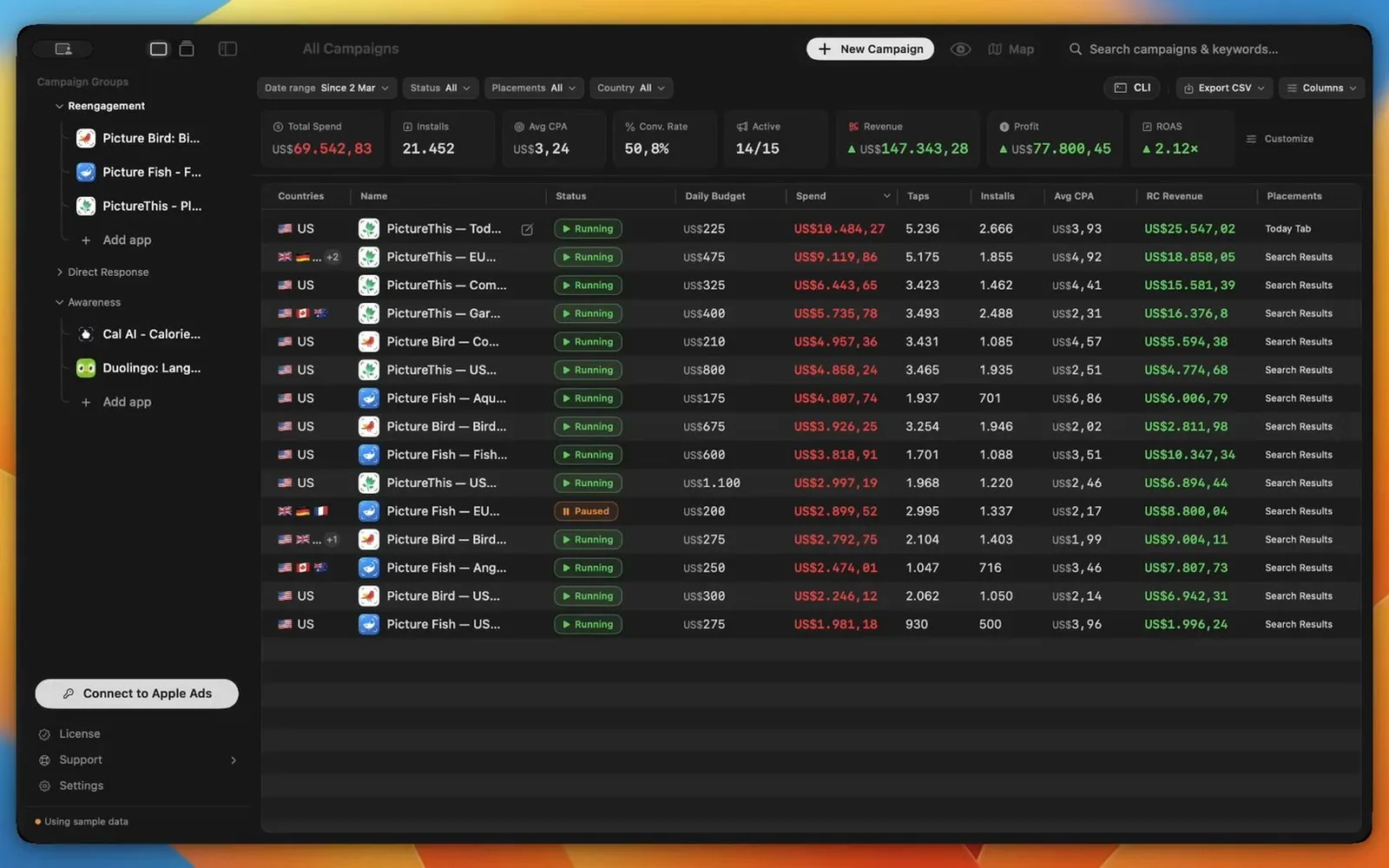
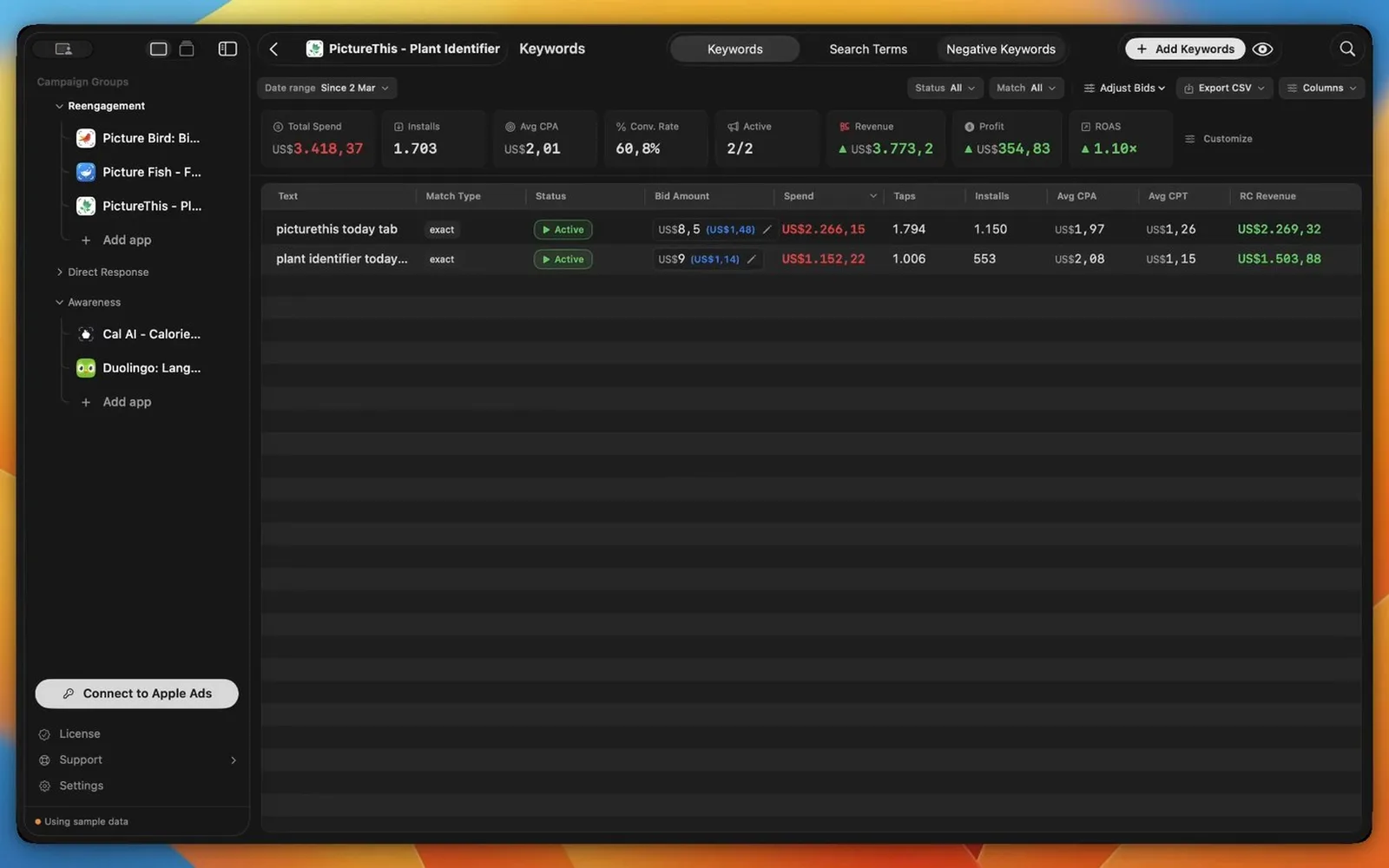
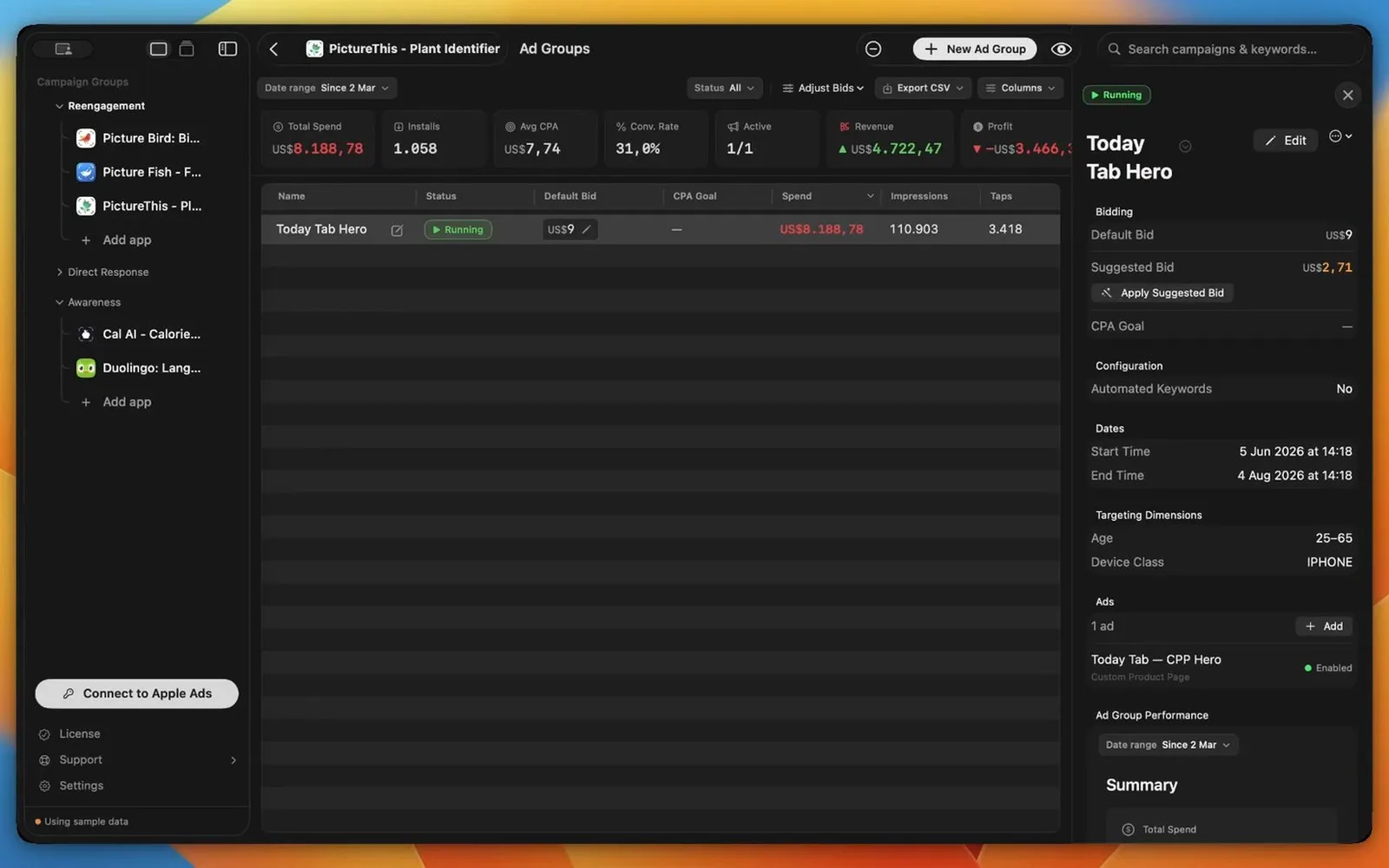
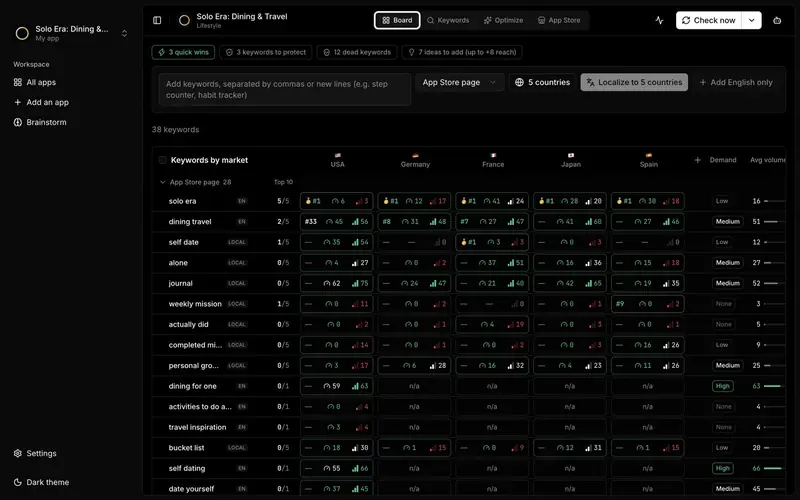
ADSwift is a Mac app for running Apple Search Ads campaigns that also shows what each keyword actually earns. It connects to RevenueCat, so next to spend and installs you see revenue and net per install for every keyword. You can create and edit campaigns, ad groups and keywords, upload keywords in bulk from a CSV, manage negative keywords and target countries on a map. There is an optional command line tool that works with coding agents, and several client accounts can be kept apart, with keys stored in the macOS Keychain and no ADSwift account or cloud. It needs macOS 15 or later and is a one-time purchase.
Price and availability
ADSwift is a one-time purchase (Pay once, launch pricing), with no subscription. You can get it from the developer's website. Dock Gallery links to the maker's page and never hosts or downloads the app itself, so you always get the official version.
Compatibility
ADSwift requires macOS 15.0 or later.
- Requires macOS 15.0 or later
- Available from the developer's website
- One-time price, no subscription
Questions about ADSwift
What is ADSwift?
ADSwift is a Mac app for running Apple Search Ads campaigns that also shows what each keyword actually earns. It connects to RevenueCat, so next to spend and installs you see revenue and net per install for every keyword.
Is ADSwift free?
ADSwift is a one-time purchase (Pay once, launch pricing), with no subscription.
Which macOS does ADSwift need?
ADSwift needs macOS 15.0 or later.
Who makes ADSwift?
ADSwift is made by Saad.
Where can I get ADSwift?
You can get it from the developer's website. We link to the maker's page and never host the app.
Ask AI about ADSwift





More apps
All

Details come from the maker's website. Icons and screenshots belong to their makers. Report an issue